

Information entered in the account profile will automatically populate when applying for permits. While all users on your account can view profile information, profile updates may only be made by Applicant Administrators and Managers.
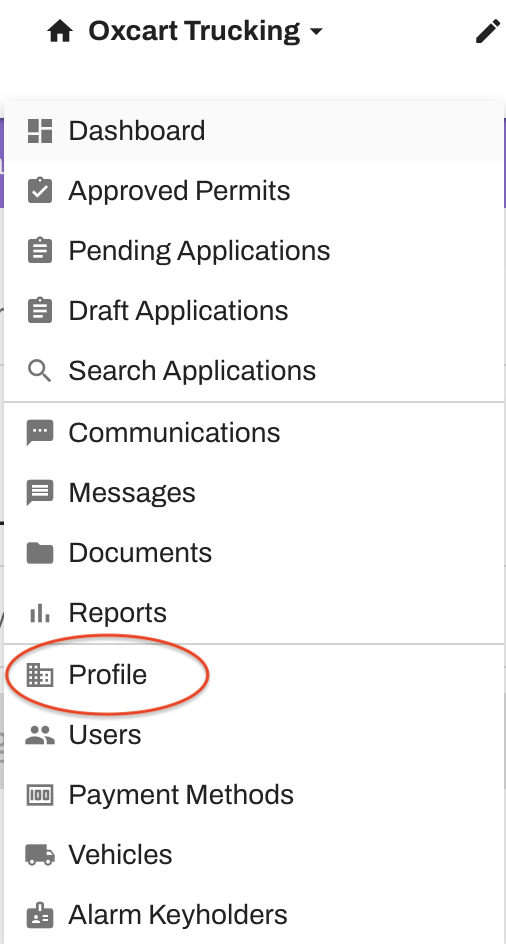
Login to your dashboard and hover over your account name at the top of the page then select "Profile" to review or edit.
Make sure to hit the "Save Applicant" button at the bottom of the page after making your changes!