All Oxcart text messages will thread and originate from (224) 539-1655. We recommend you save this phone number in your contacts for future messages.
To add a phone number to receive notifications via SMS text messaging, the phone number must be added on the Communications screen. This can be found under the "Manage" tab at the top of the page. Only account Admins can add a phone number to the Communications screen.
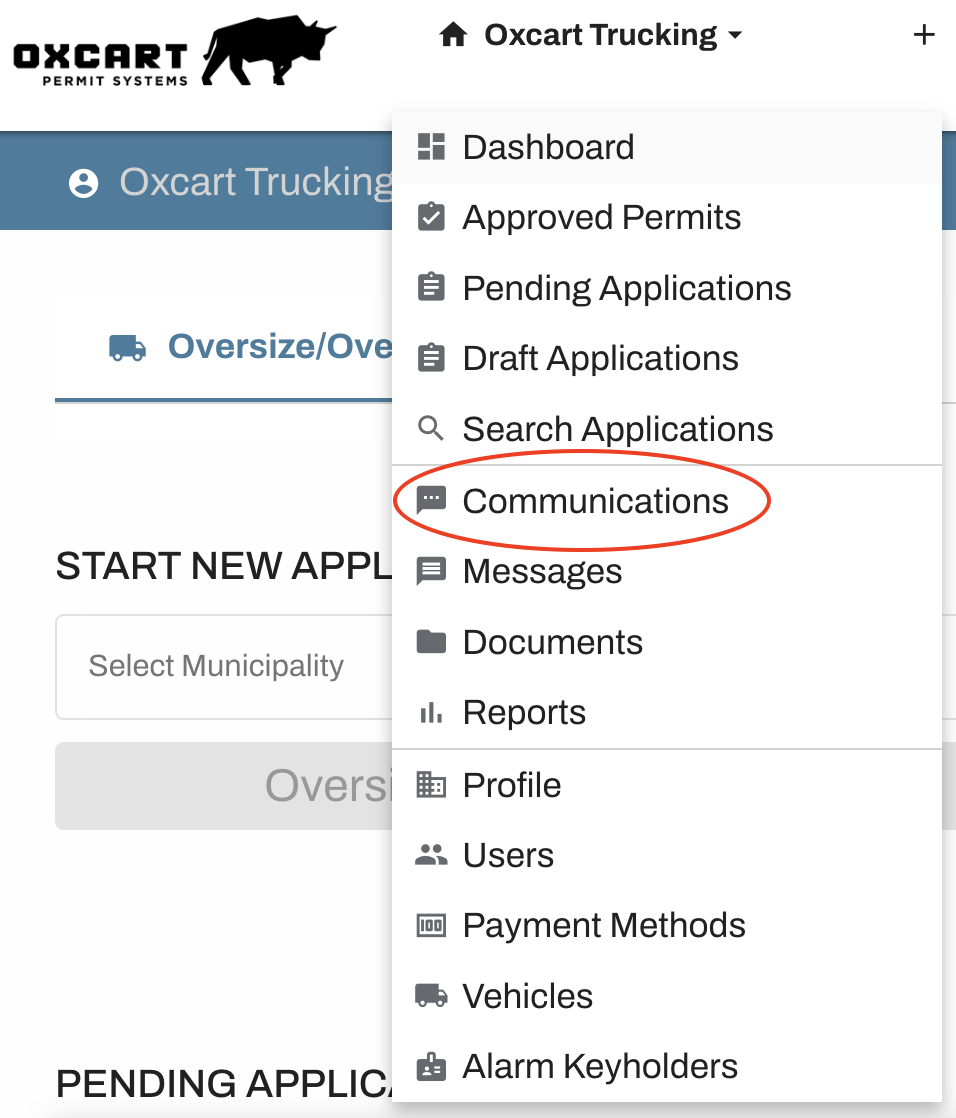
NOTE: Before adding a phone number, be sure the user has access to their phone and is able to receive SMS text messages. The user will be required to enter a 6-digit, one time password (OTP) to verify the phone number.
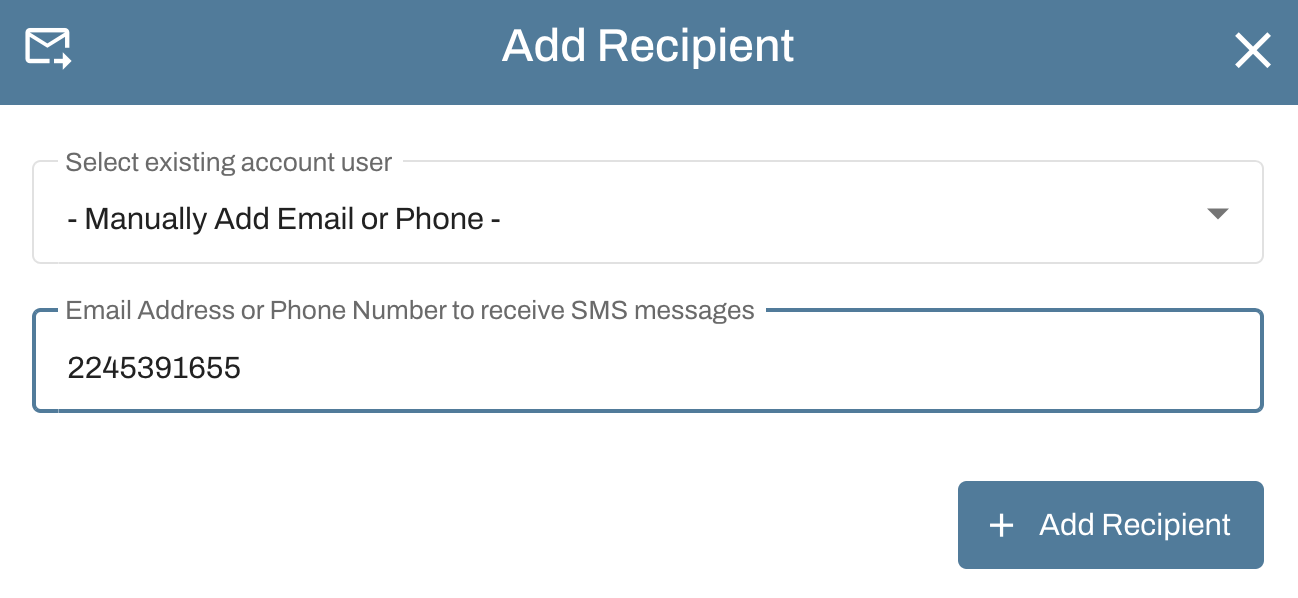
Click the blue Add Recipient button

A window will appear to allow you to add either an existing user email address or phone number. If this is a new phone number, please enter the 10-digit phone number and click the blue Add Recipient button
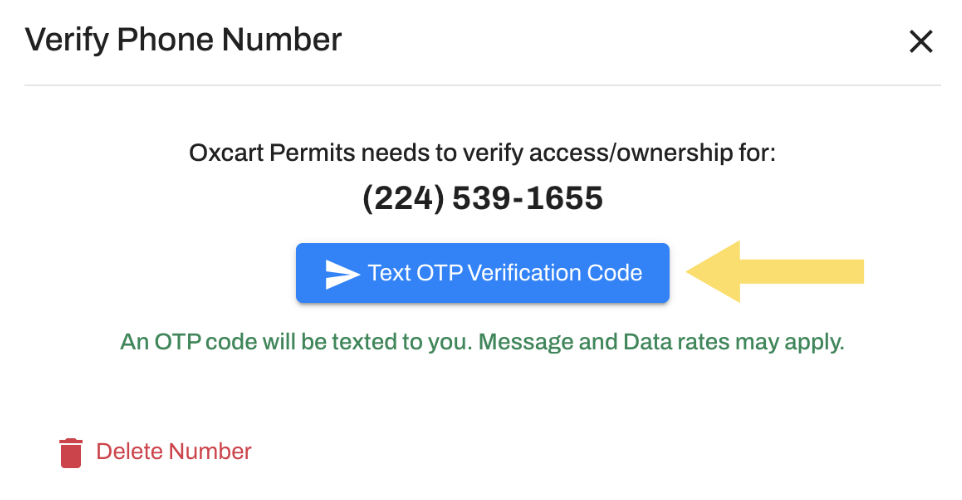
A window will appear displaying the phone number. Click the blue Text OTP Verification Code to send a code to that number.
Have the owner of the phone retrieve the OTP and enter the 6-digit code into the text box. The terms of the privacy policy must be accepted by checking the box. Lastly, click the blue Verify button.
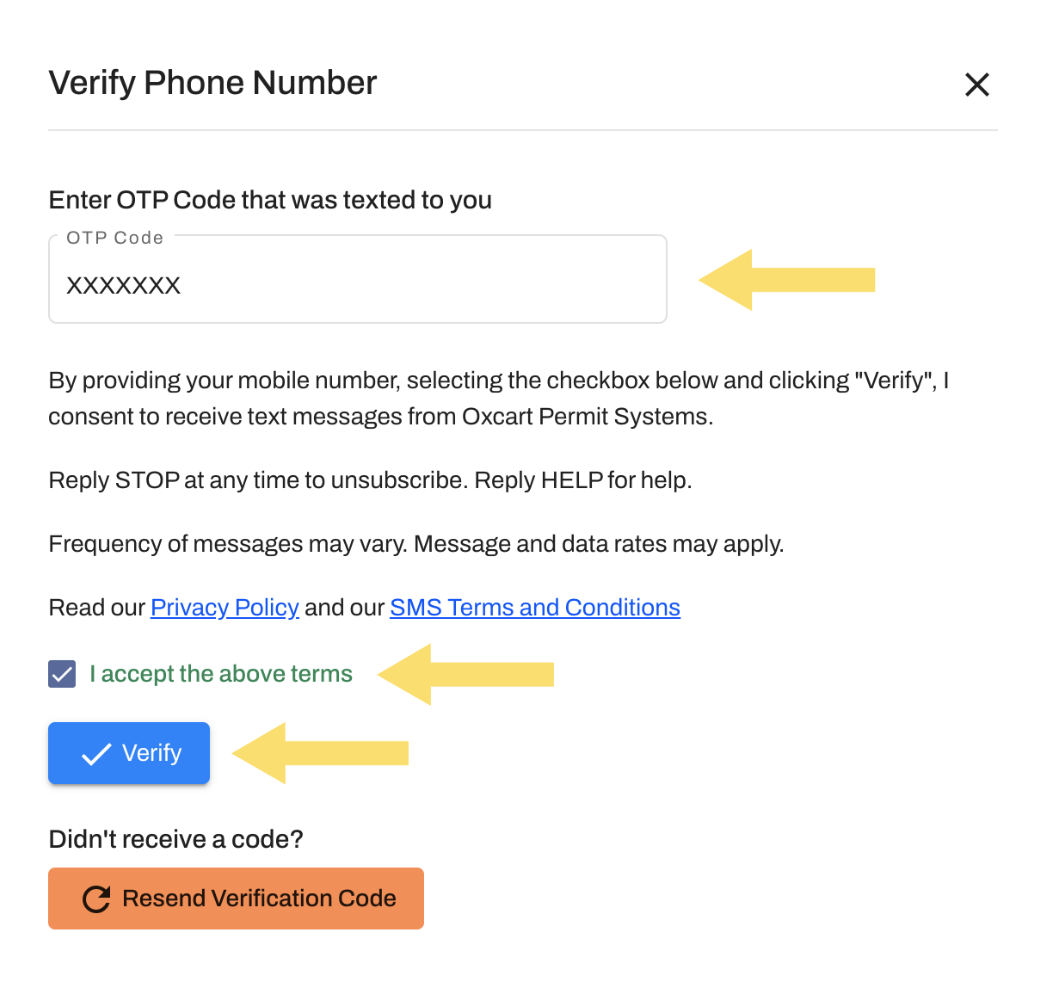
NOTE: If you did not receive an OTP, select the orange "Resend Verification Code" button to generate a new code.
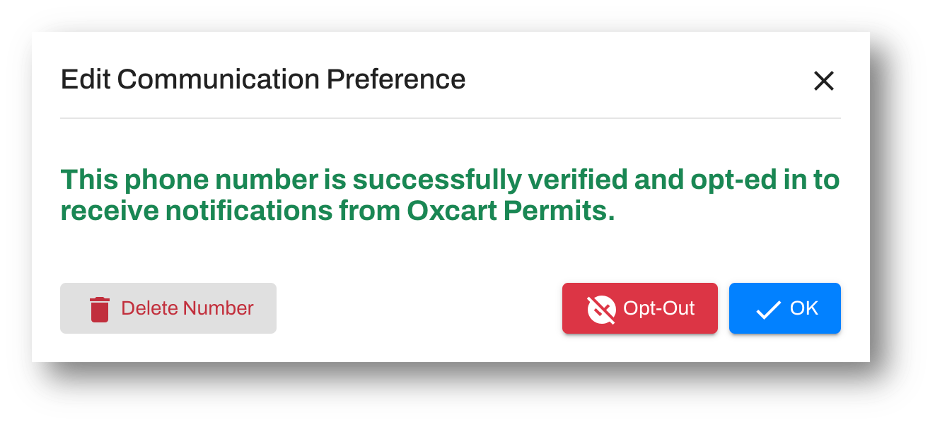
Once the phone number has successfully been verified, the window below will appear. Click the blue OK button, then you can begin assigning the desired notifications to the phone number by checking the appropriate boxes.