

After creating your free Oxcart account, log in and choose the permit type you need from the available modules. Seasonal Permits are located under Oversize/Overweight, while Driveway Permits are located under Right of Way.
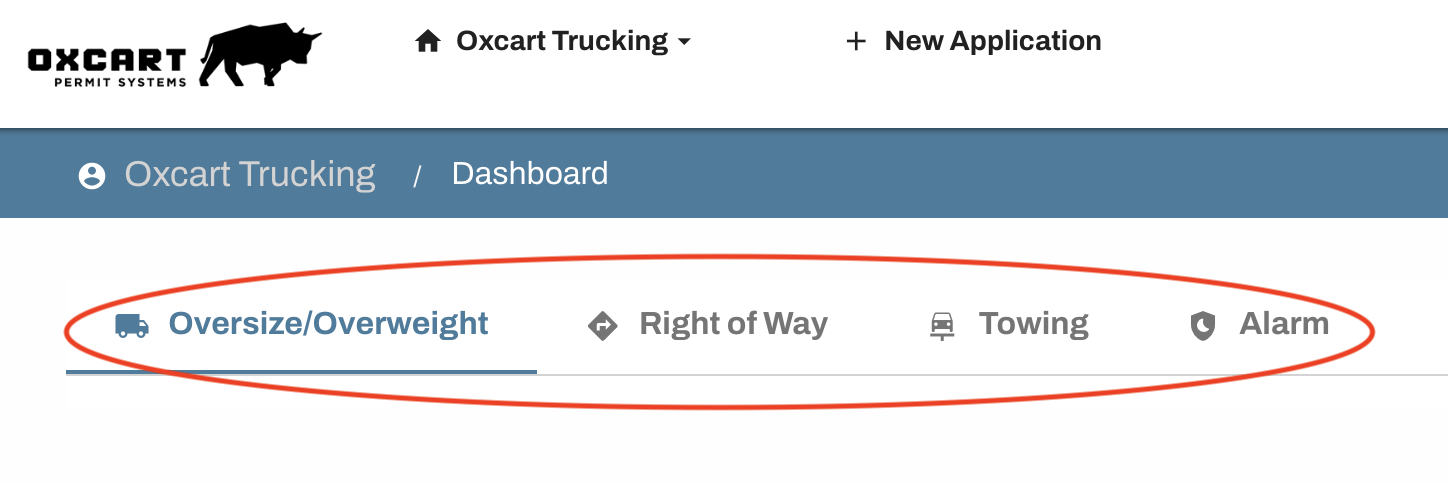
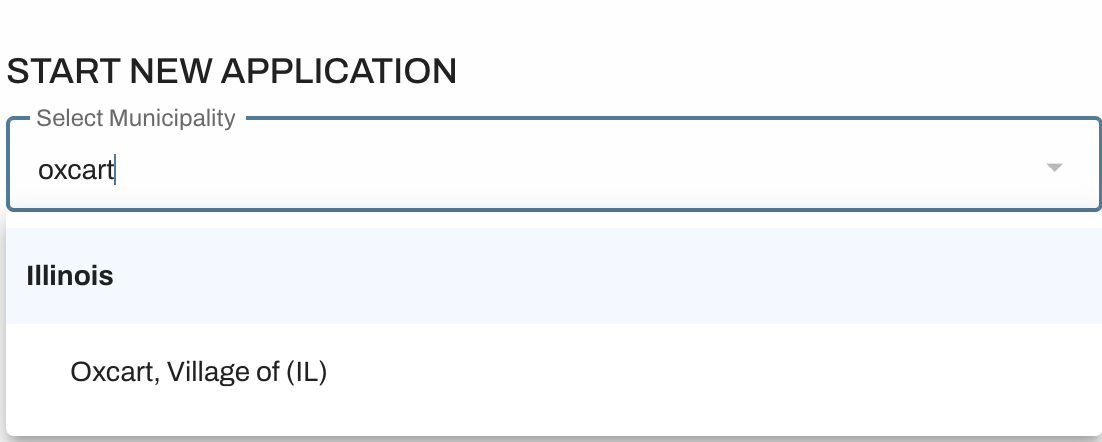
After selecting the appropriate permit module, choose the municipality you wish to apply to from the dropdown menu. Municipalities are organized alphabetically by state, and you can type the name to narrow the list. If a municipality does not appear under the permit type you need, it is not currently issuing those permits through Oxcart, and you will need to reach out to the municipality directly to inquire how to apply.
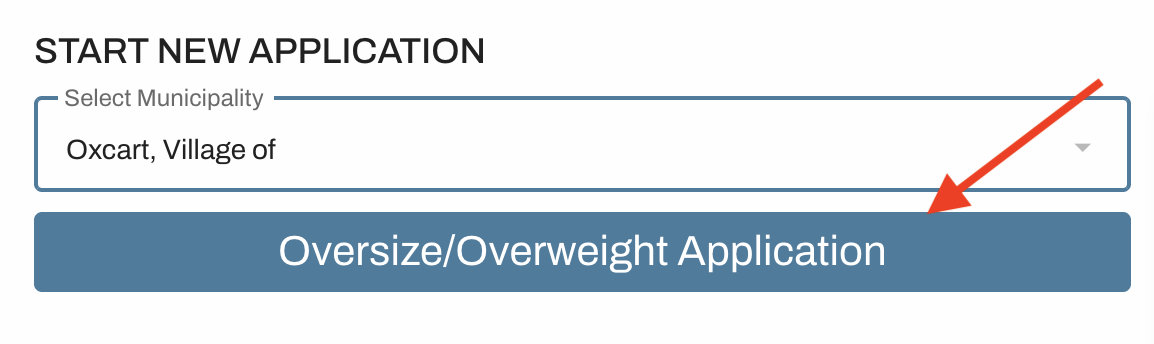
Once the municipality is selected, click "Oversize/Overweight Application" to open the form.
Complete all required fields and then click "Submit". Please note that some applications require pre‑authorization of payment, but your credit card will only be charged if the permit is approved.
After submission, the municipality is notified that an application is ready for review, and the application will appear in the Pending Applications table on your dashboard. To learn about the permit approval timeline, click here.