To submit a Route Notification on a permit, login to your Oxcart account and locate the seasonal permit from your Approved Permits. Then click the Action button and select Route Notification.

This will launch an application with the base permit displayed for reference. All visible fields need to be completed. Specific application fields will vary by municipality.
Important Information about Route Notifications:
If Route Notifications is not available from the Action menu, please contact the municipality directly.
Route Notifications are free of charge and you may submit as many as needed on your base permit.
For specific questions on routing or filling out the application please contact the municipality directly.
Route Notifications must be approved by the municipality before they are valid.
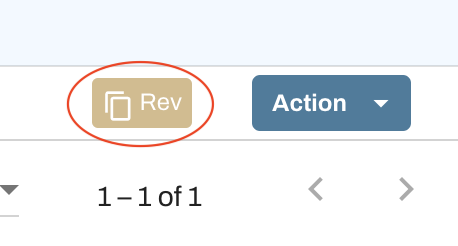
Route Notifications for a permit can be found by clicking on the REV icon next to the Action button.