

Oxcart allows you to share your dashboard with other towns by linking users to your account. Linked users will have "view only" privileges. Both municipal administrators and municipal managers can link municipal users.
TO LINK A USER TO YOUR ACCOUNT:
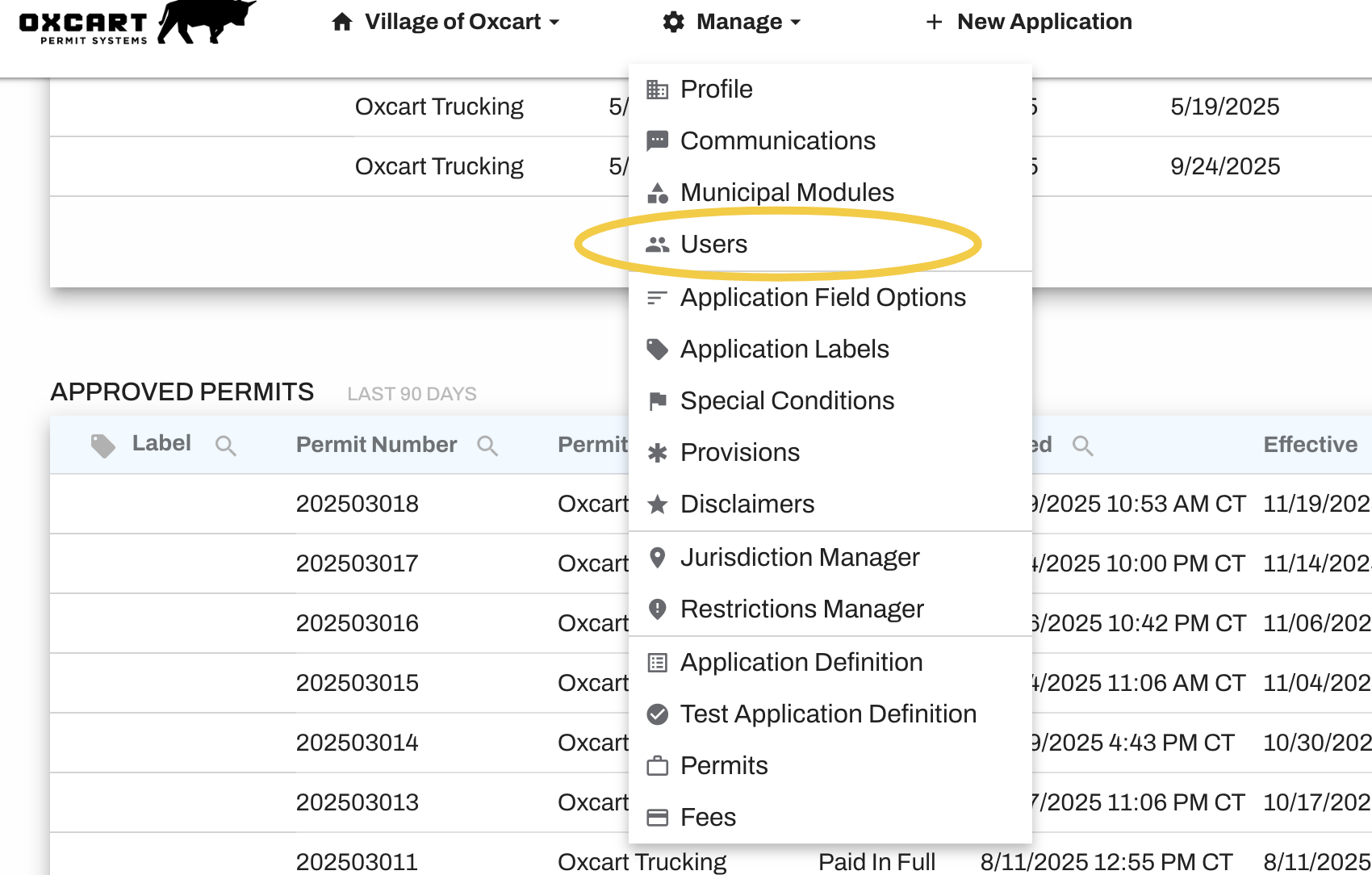
Login to your account, hover over Manage in the top menu, and select Users.
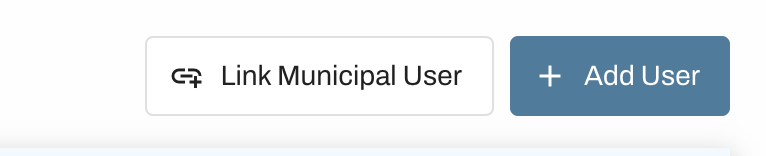
Click on the Link Municipality User button.
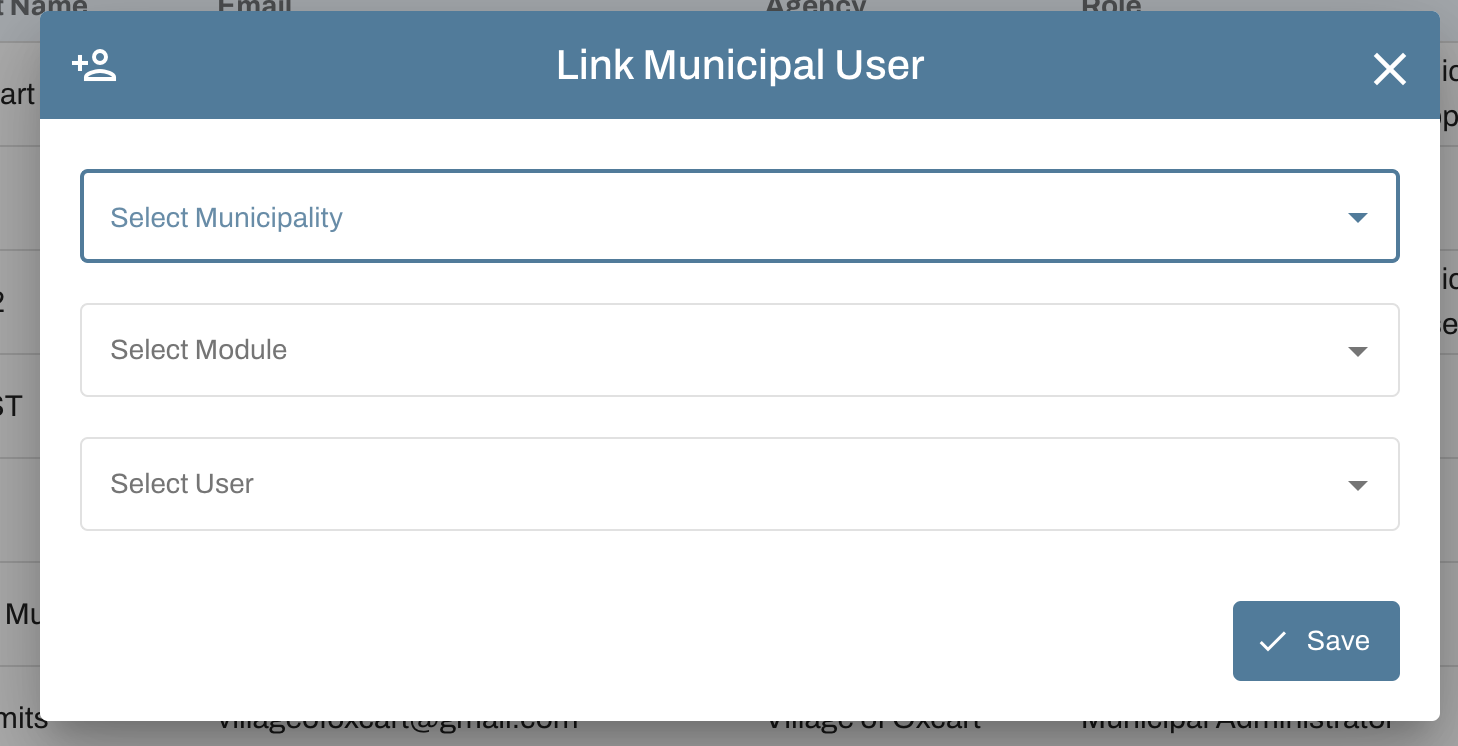
Select the Municipality, Module, and User from the drop down menus. To add multiple permit modules, you will need to repeat this step.
Click the blue Add User button when done.
TO ACCESS AN ACCOUNT I AM LINKED TO:
Login to your Oxcart account as normal. Select the permit module from the top of your dashboard. Then, hover over your account name and select "Access Another Account". Then use the dropdown menu to choose the account you want to access.
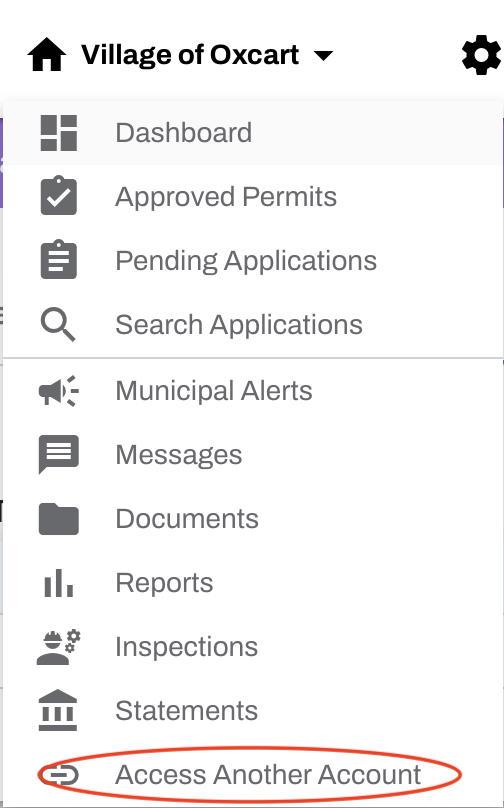
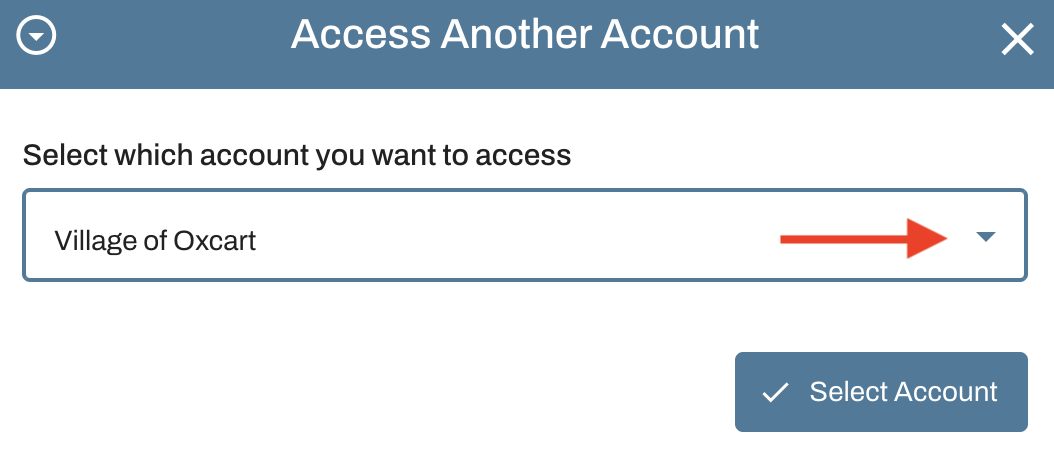
Repeat this step to switch accounts.