How do I revise a permit?
Revisions to permits, and their associated fees, are completely at the discretion of the municipality approving the permit. Oxcart Permit Systems CANNOT authorize or approve any revisions.
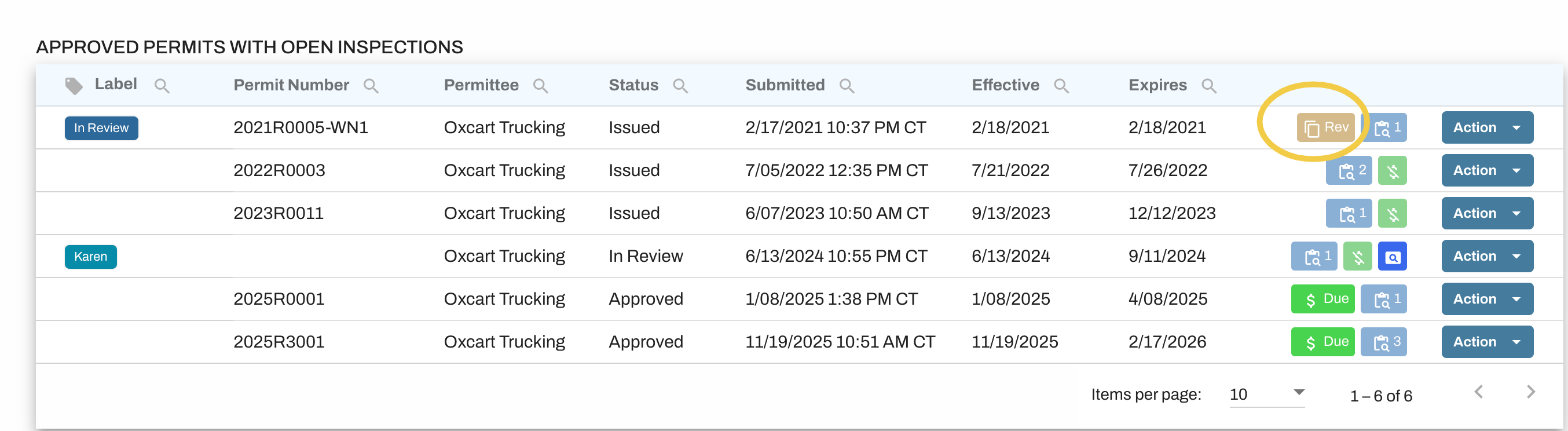
Some municipalities using Oxcart have the revision option available on their permits and you may initiate a revision directly from your dashboard. Click the blue Action button next to the permit and choose Revise. This will open the application up so you may make your changes, however not all fields will be available to edit.

If you do not see the Revise option within the Action menu or if the change you want to make is not an available field, you will need to contact the municipality directly and ask them to authorize your revision. You can use the contact details listed on the permit or you can use the Messages feature within Oxcart.
You may need to preauthorize your credit card to submit your revision. If a preauthorization is required, you will not be charged unless the revision is approved.
Where can I find my revised permits?
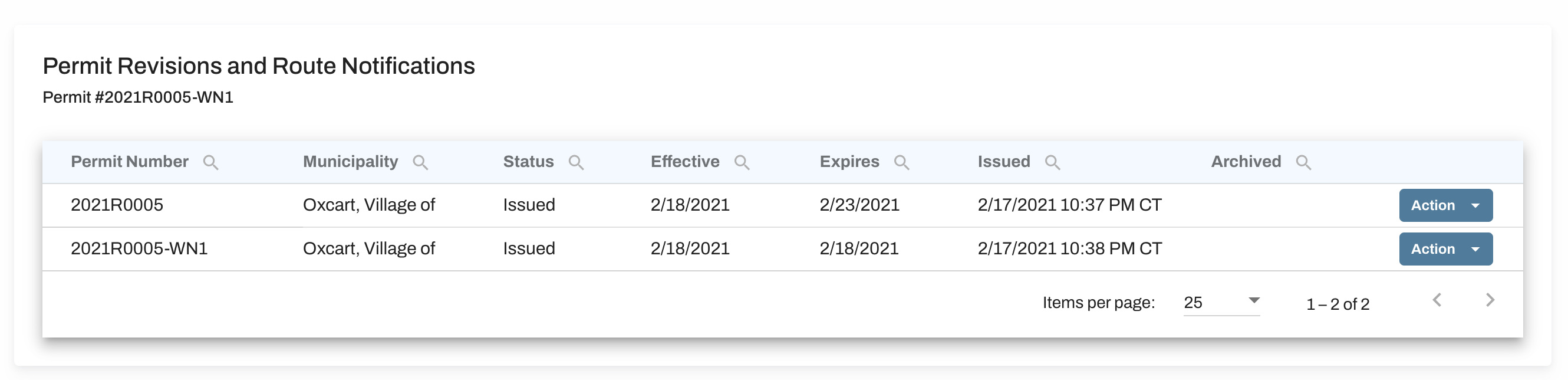
Once a revision has been approved, your revised permit will be available on your dashboard. You may also click on the Revision flag next to the permit to see a list of the original permit and all associated revisions or notifications.