

How do I download receipts?
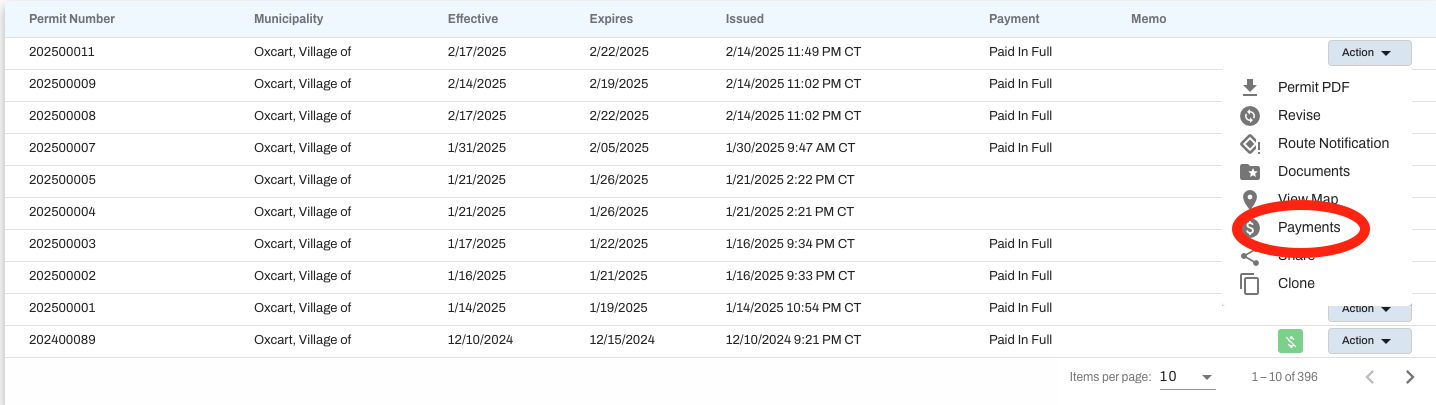
Receipts are always accessible from your dashboard. Click on the Action button associated with the permit in question and select Payments to open the payment screen.
Click on the Action menu and select Payments.
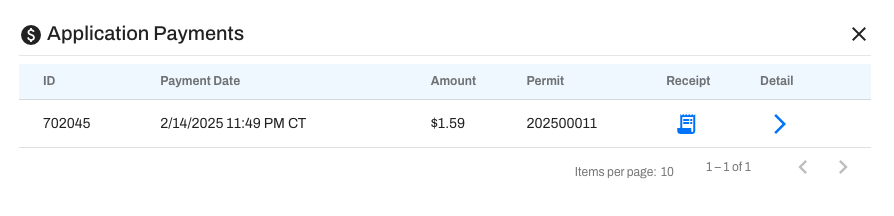
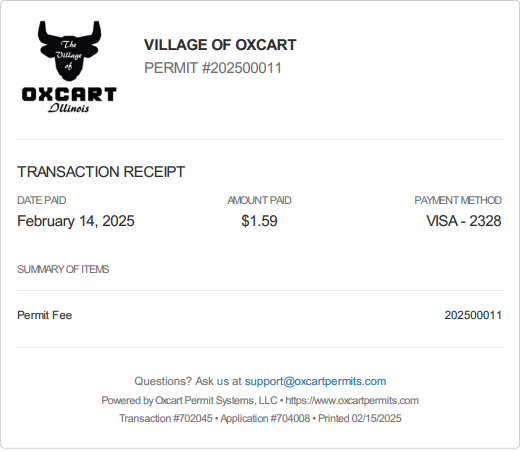
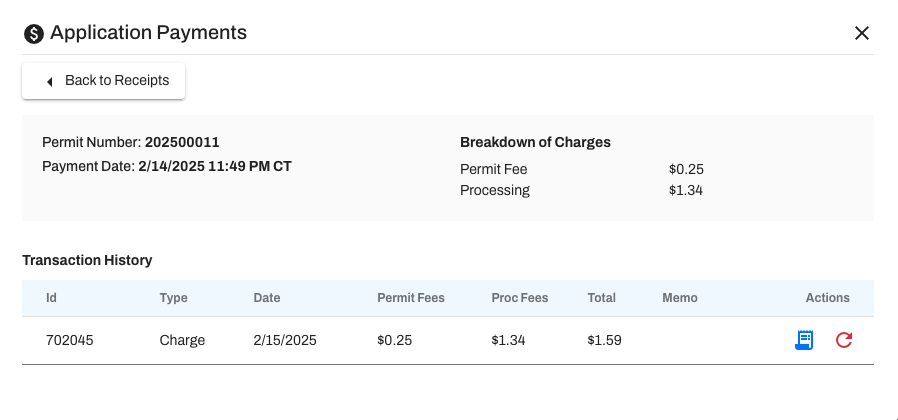
Clicking on the receipt icon will download your permit receipt, while clicking on the blue right arrow button will provide further details about your payment.
How do I sign up to receive email receipts via email?
You may also set your communication preferences to receive a detailed receipt when payment is submitted for an application on your account.
Hover over your account name and choose Communications. You need to opt-in if this is the first time visiting this page. When opted-in, check any and all boxes that you would like to receive account notifications for. Account administrators can add non-account users (ie Finance Dept) as notification recipients as well.

Detailed receipts will be sent upon approval of the permit, when payment is captured.
Please whitelist notifications@oxcartpermits.com to ensure consistent delivery. Be sure to check your spam/junk folder as well.