

If you want to change a permit fee, you must do so prior to approval. Permit fees cannot be changed after the application has been approved.
When reviewing an application, fee changes can be made within the first few fields.
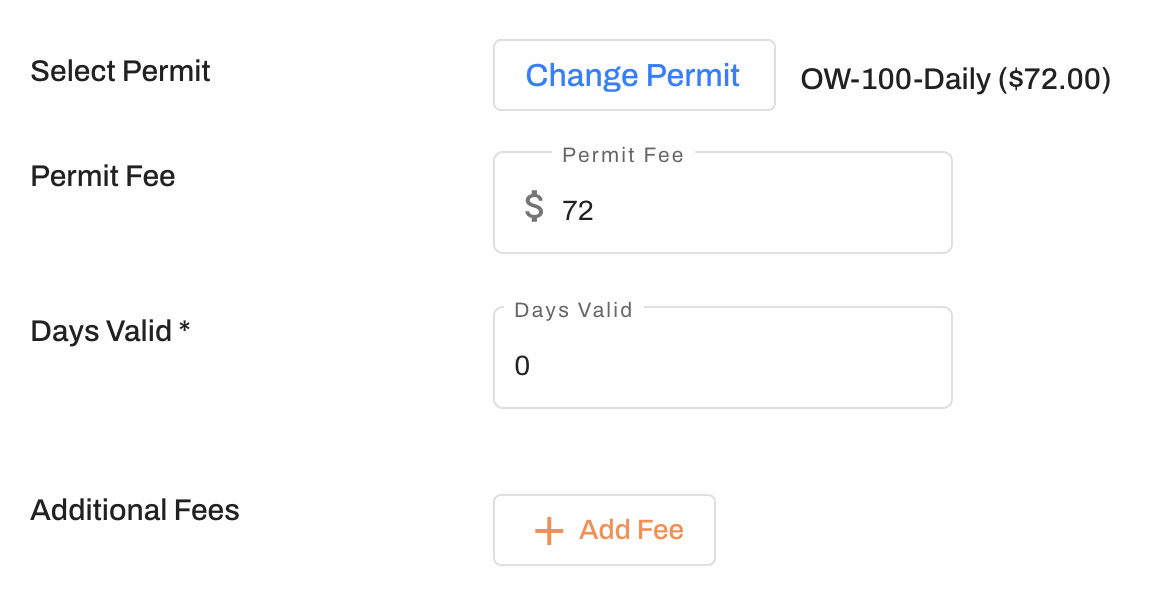
PERMIT TYPE: When an application is submitted, the system will automatically match the application with a permit based on the values entered by the applicant. If you would like to change the permit type, you may click Change Permit to see a dropdown list of all permits programmed into your account.
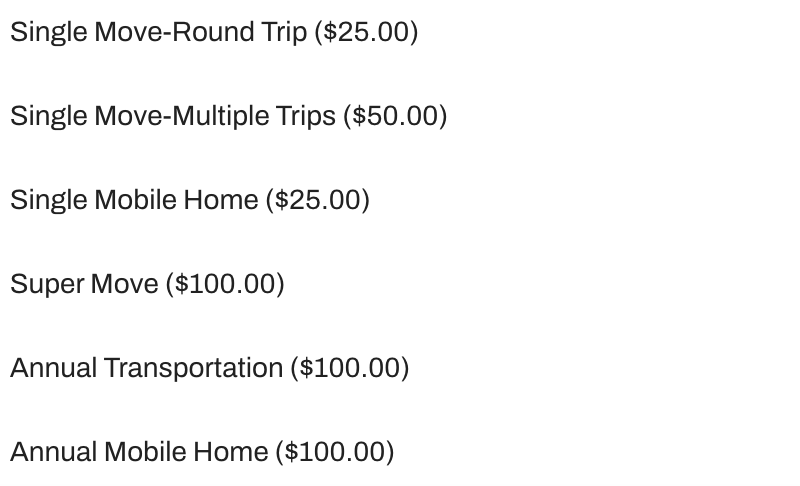
Be aware, if you select a different permit type, it may impact the cost and length of the permit. Depending on your account setup, this change may also impact the provisions displayed on the approved permit.
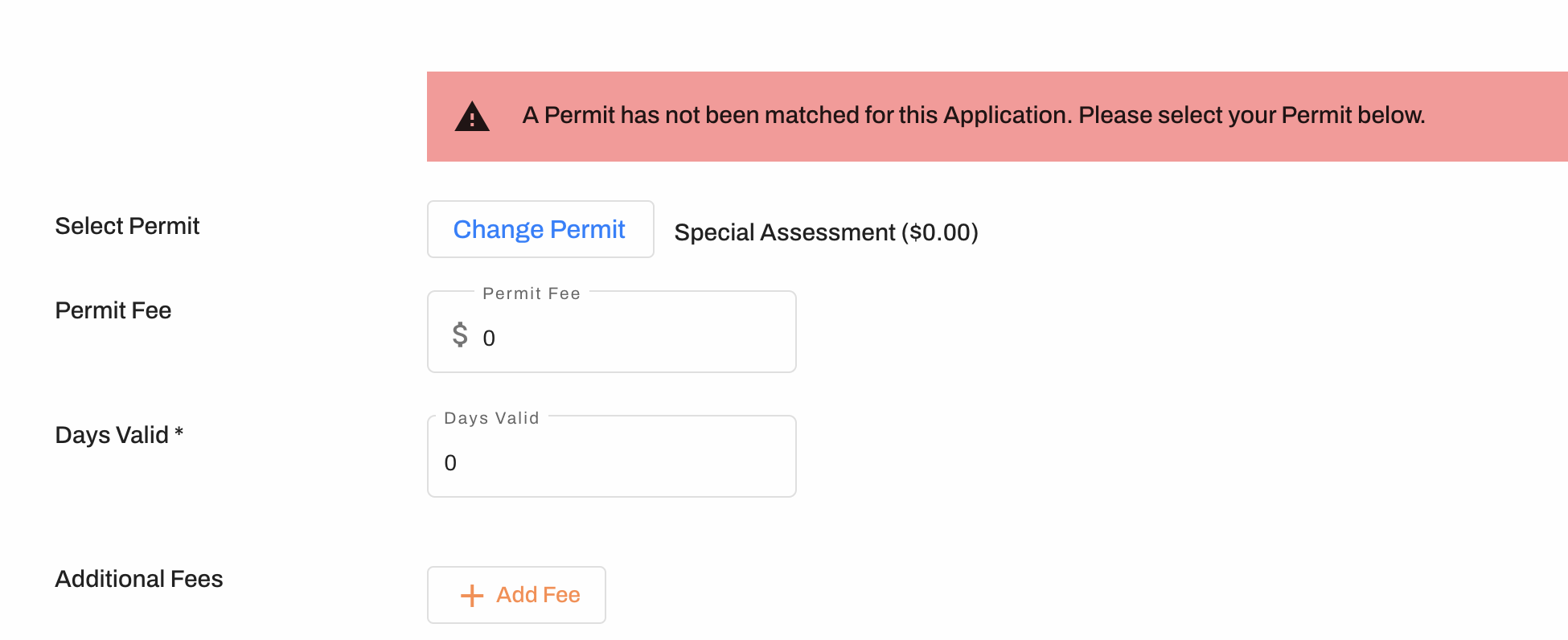
If a message pops up saying a permit has not been matched, you may select Change Permit and choose a permit type, manually edit the permit fee and days valid, or deny the application.
PERMIT FEE: If you would like to adjust the fee, you may do so in the Permit Fee box. You are able to increase or decrease the permit fee at your discretion.
EXPIRATION: The matched permit type will generate a default number of days valid, however you may change this at your discretion. Changing the days valid will not affect the permit fee.
ADDITIONAL FEES: You also have the option to add Additional Fees before approval. For example, you may include an escort fee or other charge. You are able to label the fee when added. Any additional fees added will appear as a separate line item for the applicant, but may be paid on the same transaction.
PAYMENT AUTHORIZATIONS: If the applicant authorized payment when they submitted their application, a change in the permit fee will release the preauthorization and mark the approved permit with a "Payment Due" status. The applicant will need to login and "swipe" their card again for the new amount in order to view/download their permit. They will not be charged twice.