

You can accomplish this through your Oxcart account. When logged into your account click on Manage and select Communications.
Municipal administrators and managers can add as many recipients as needed. Recipients do not need be users on the account, for example you can add the finance department to receive financial notifications. To add a recipient, click Add Recipient, and follow the on-screen prompts. This process is time sensitive and should be completed when the new recipient has access to their email/text.
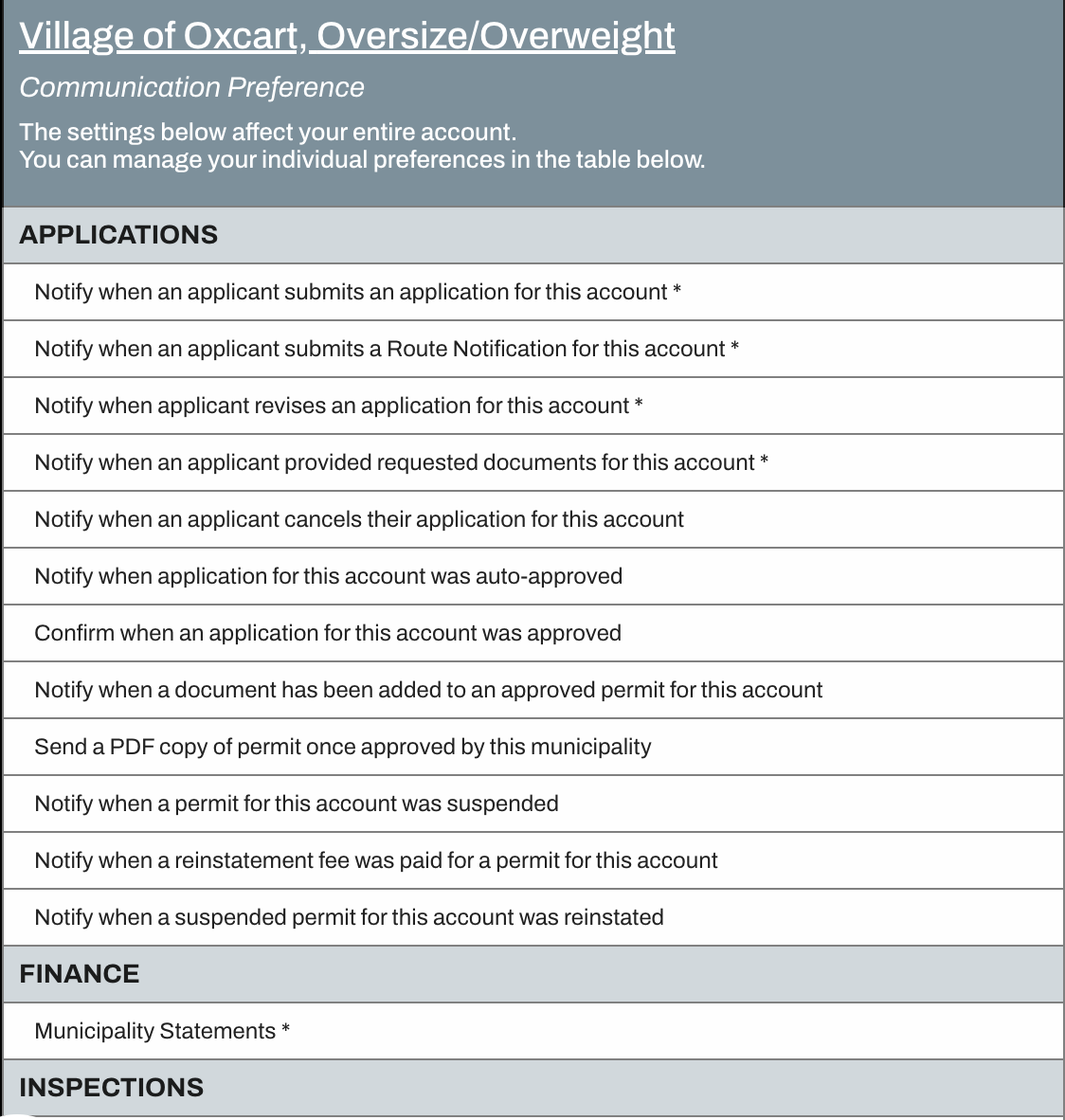
Once a recipient is added, they should immediately review the notification options. The first row on the table is "Notify when an applicant submits an application for this account". This can be checked for as many recipients as needed so that multiple users are notified when permits need approval. Don't forget to save any changes you make!
IMPORTANT INFORMATION ABOUT NOTIFICATIONS:
The communications page has two (2) tables. The first table applies to the municipal account as a whole. The second table is customized per User. Please be sure to review both tables!
Notifications are set PER module. Please be sure to check the tables for all available permit modules.
Generic emails addresses can be added as recipients (for example, "truckpermits@" can be set up with internal rules to forward to those who should receive the email notifications).