Oxcart allows municipal administrators, managers, and approvers to request documents directly from their Oxcart dashboard. This ensures that all required files are submitted through the proper channel, keeping the documentation organized alongside the permit record for easy tracking and compliance.
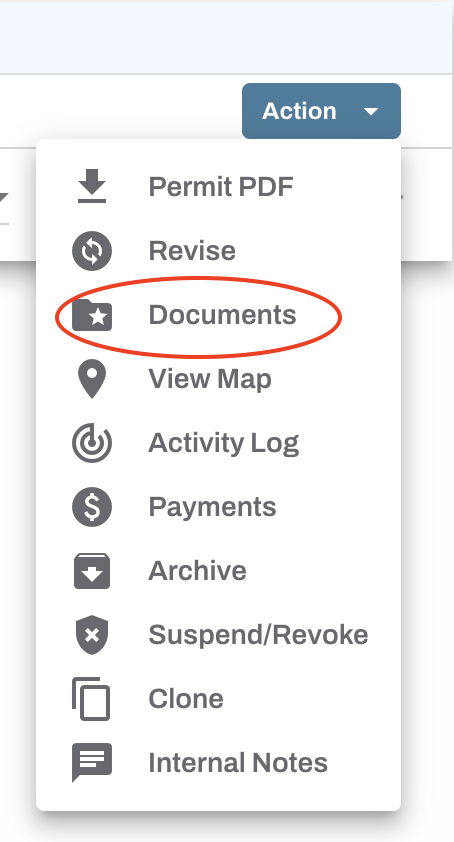
To get started, log into your account and locate the approved permit. Click the Action button and select Documents.
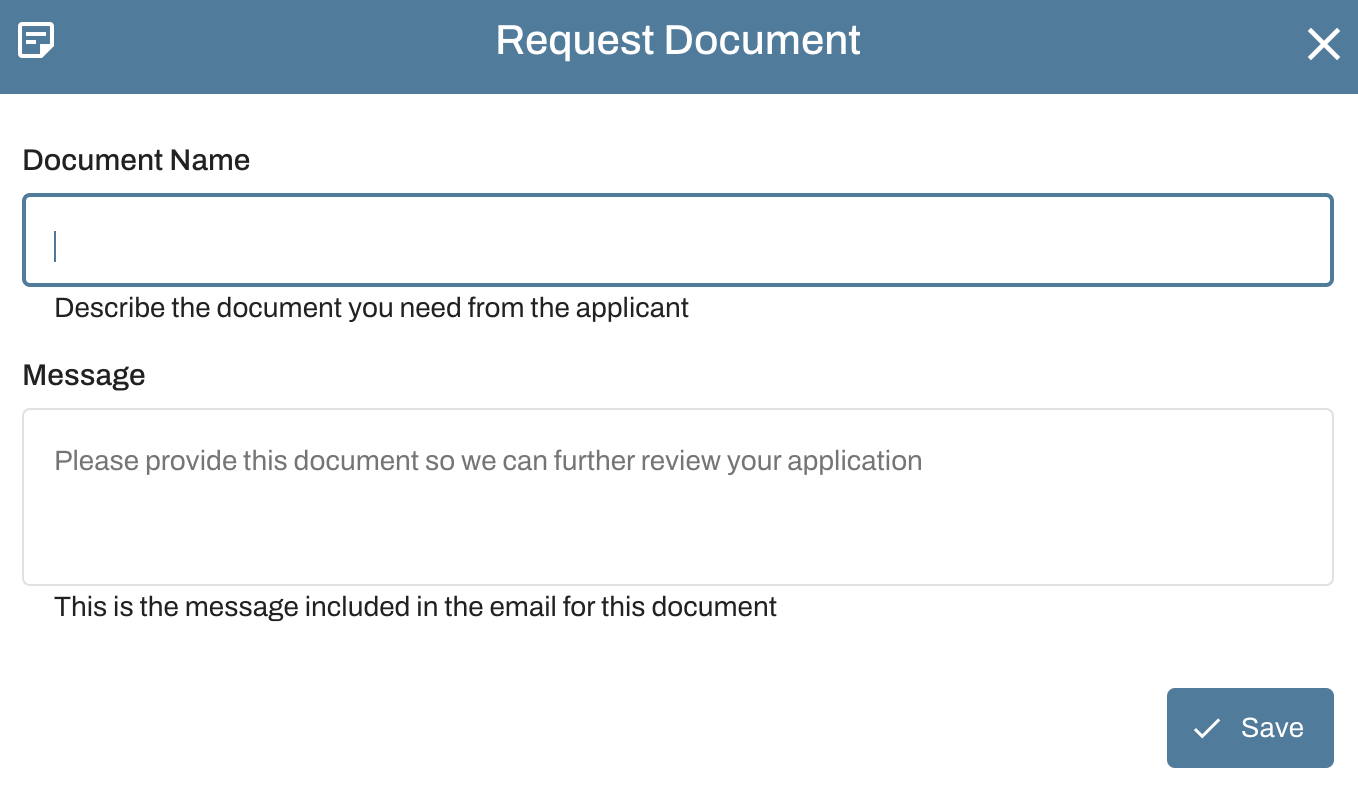
Click "Request Document" and complete the onscreen fields. Be sure to save the request. The applicant will receive an email and a dashboard notification regarding the document request. Repeat this step to request multiple documents.

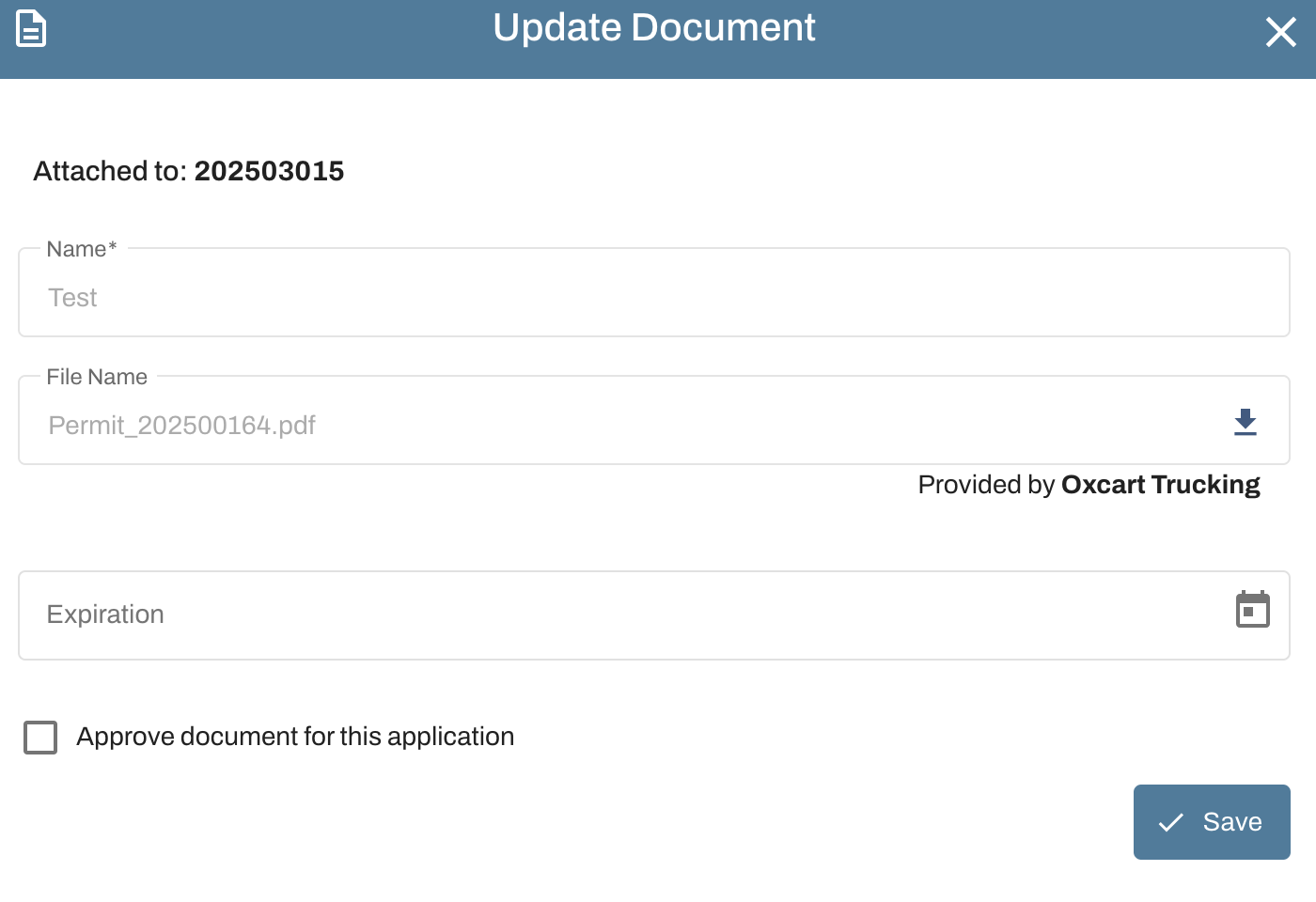
Once the request is fulfilled, you will receive an email and a dashboard notification. To review the applicant-submitted document, click the pencil. You can add an expiration date and/or mark the document as approved by checking the box "Approve document for this application". Please note, approving documents is permanent.