Oxcart offers two levels of user roles for applicant accounts.
Applicant User: Users have the ability to apply for permits, use stored credit cards to pay for permits (card number is not visible to user), access the Document Center to add/edit documents for applications, access the Report Center, and view permits older than 90 days.
Applicant Administrators and Managers: Admins and Managers have full account access. In addition to the user permissions listed above, admins and managers can edit the account profile, add/edit users on the account, manage documents for the account, add to the vehicle library, store payment methods to the account (tokenized and stored securely with Oxcart's payment processor), manage alarm keyholders, manage communication preferences.
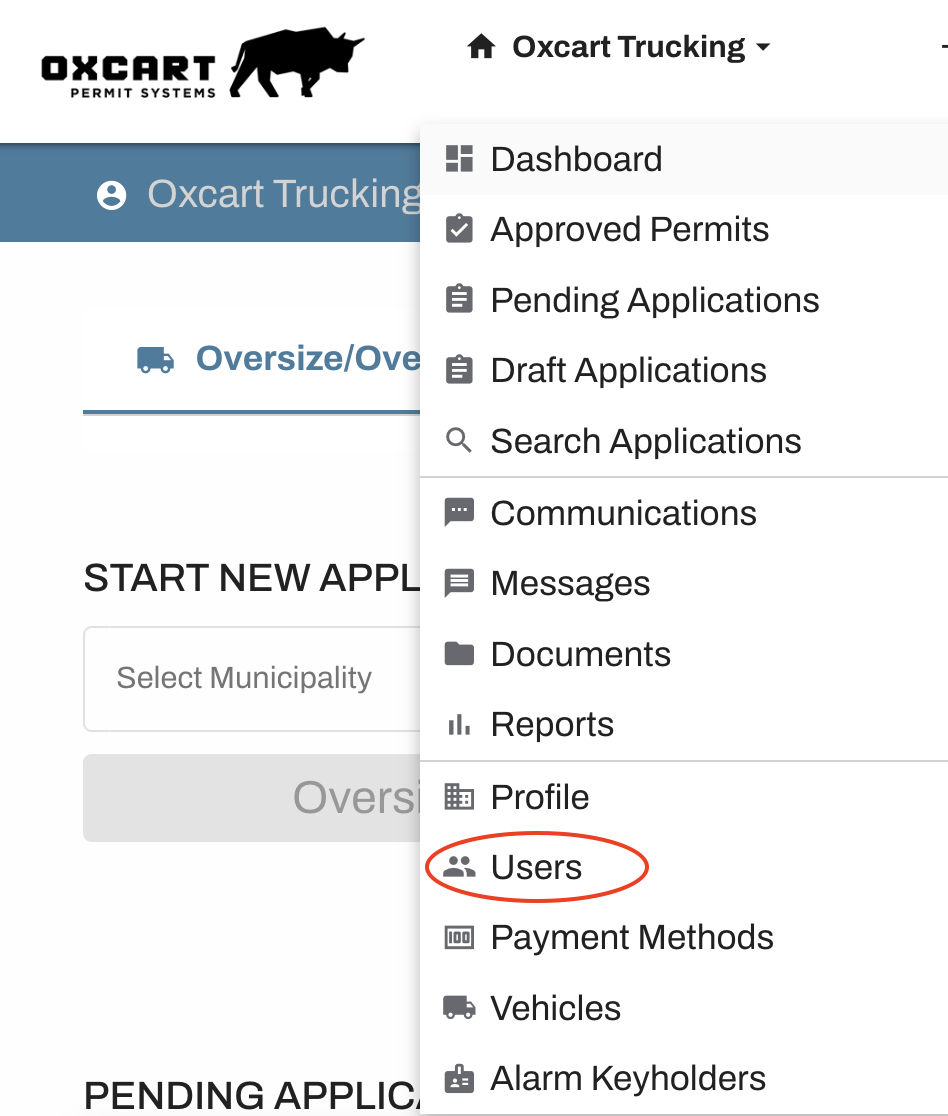
Applicant administrator and managers can view/edit account permissions by hovering over the account name selecting "Users" from the dropdown. Then use the Action button to edit assigned roles.