

If a municipality requests extra documents for your application or approved permit, you’ll be notified via email, see an alert on the bell icon in the top menu, and notice a flag on your dashboard next to the application/permit.
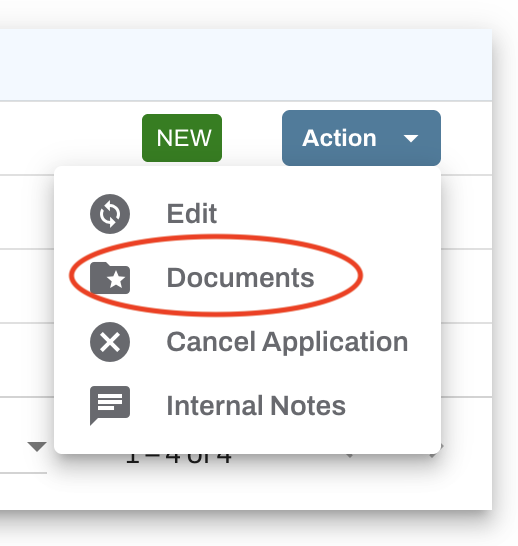
All requested files must be uploaded directly to your application or permit, and you can add them from your Oxcart dashboard. To get started, locate the application or permit in question, and select Documents from the Action menu.
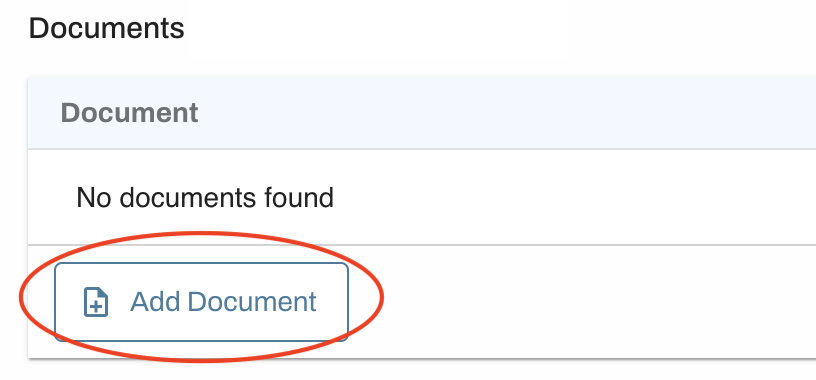
Click the "Add Document" button and choose a document already saved to your library or upload a new file.
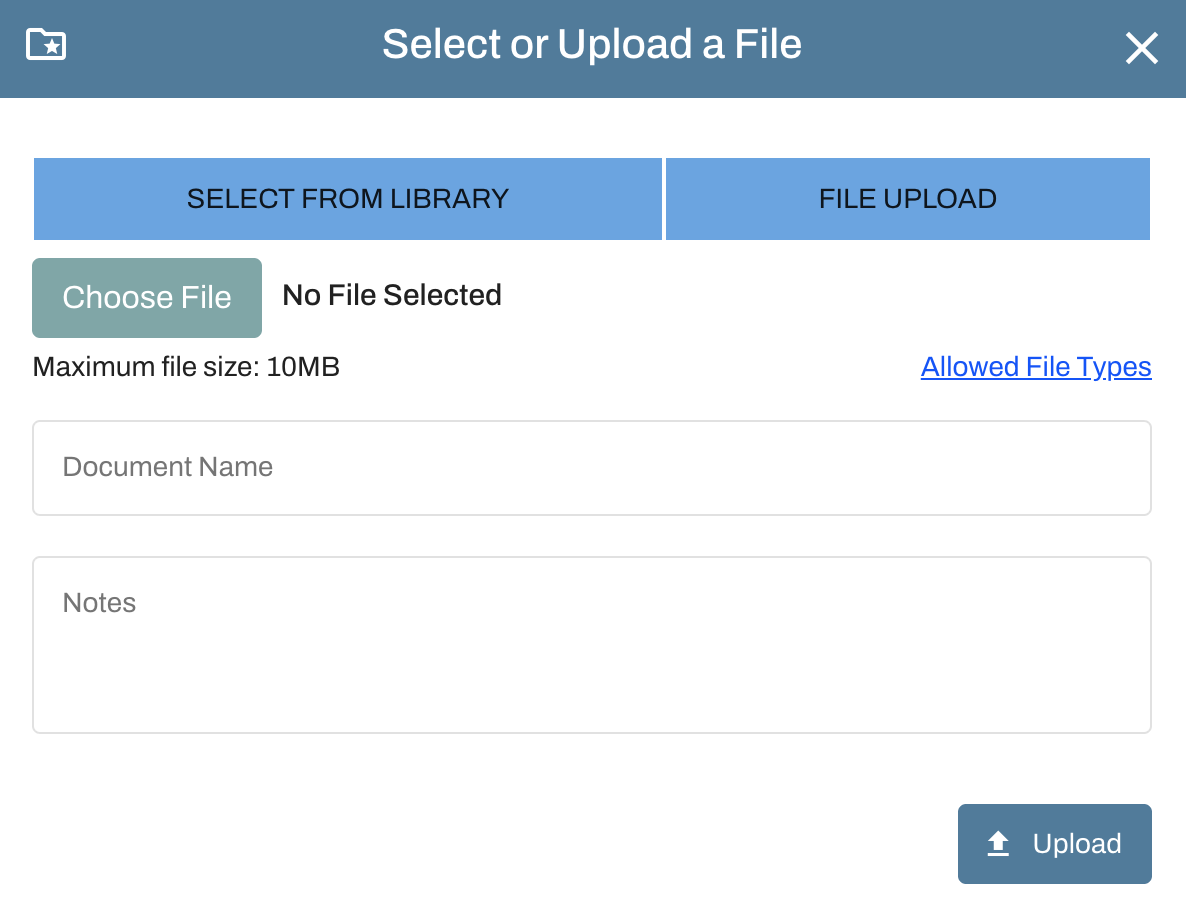
Once uploaded, the municipality will be notified that the request has been completed.