

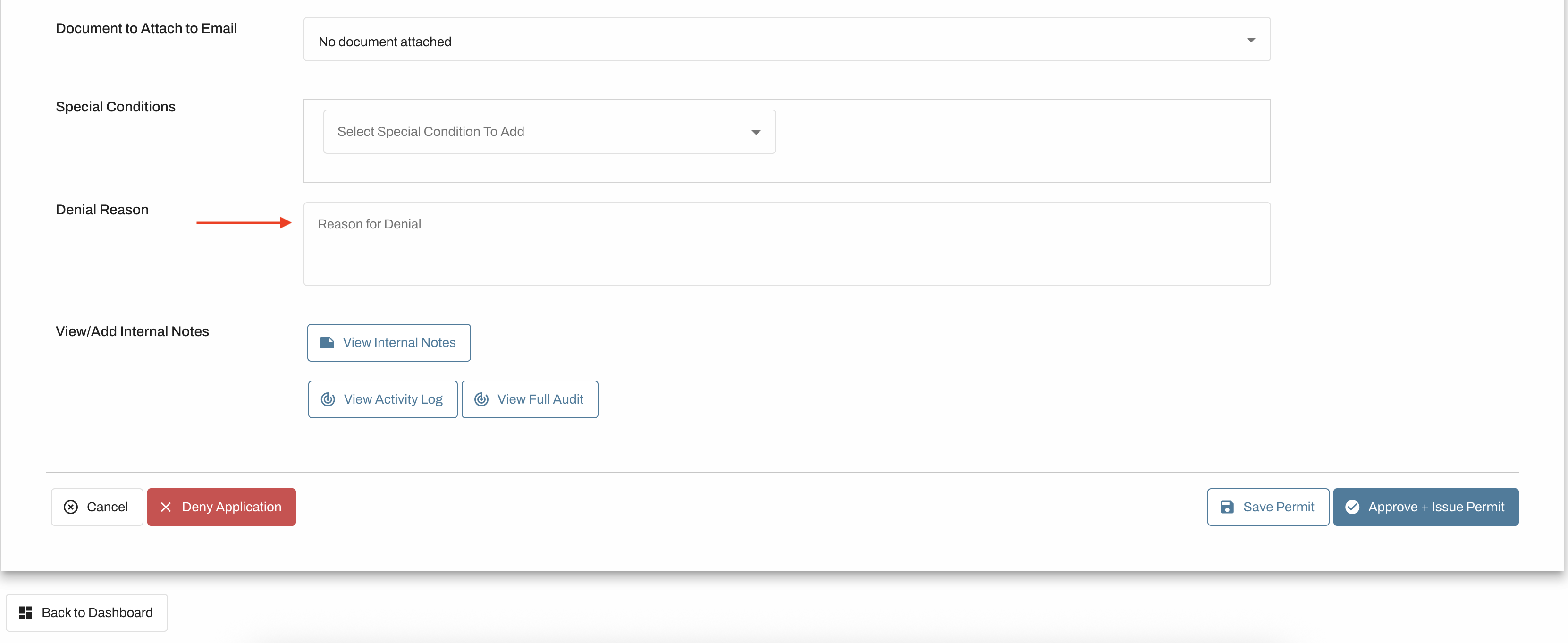
Municipal users can deny an application by clicking on the red "Deny Application" button at the bottom left of every aplication. Users are encouraged to enter an explanation when denying a permit so applicants can re-apply correctly. Before selecting "Deny Application", enter the reason for denying the permit. The field supports up to 1,200 characters, but your explanation can be as brief or as detailed as necessary.
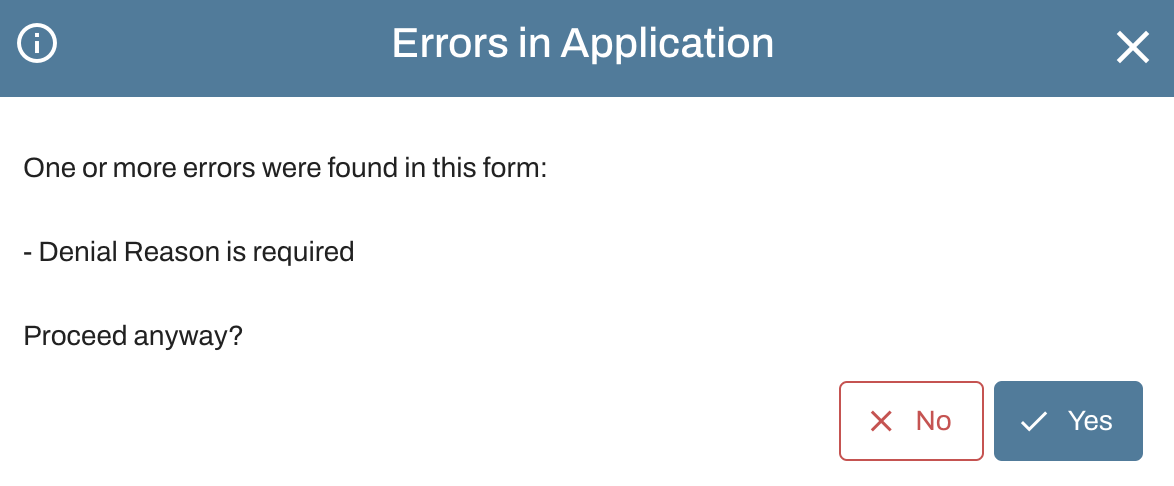
If municipal users choose to skip this step and deny the application without providing a reason, a dialog box will pop up to confirm. Users have the ability to click yes to proceed or no to return to the application.
Important information regarding denied permits.
Denying an application is permanent and cannot be undone.
All denied applications are saved within your Oxcart account.
Denying an application cannot be undone; applicants will need to re-apply.
Applicants are not charged for denied applications.
If the denial reasons exceed the 1,200‑character limit, please create a separate document, attach it to the application, and reference that document in the Denial Reason field.