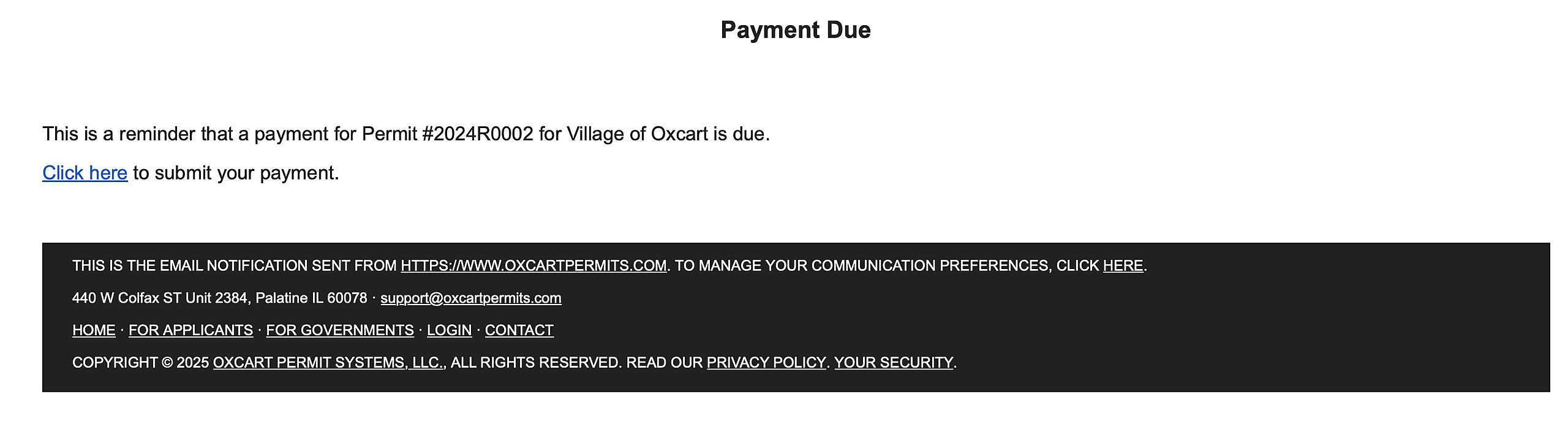
If a permit has been approved but payment is still outstanding, municipal administrators and managers have the ability to send a payment reminder email directly from their dashboard. After the reminder is sent, Oxcart will automatically record the action in the permit’s activity log, ensuring it is documented for tracking and reference purposes.
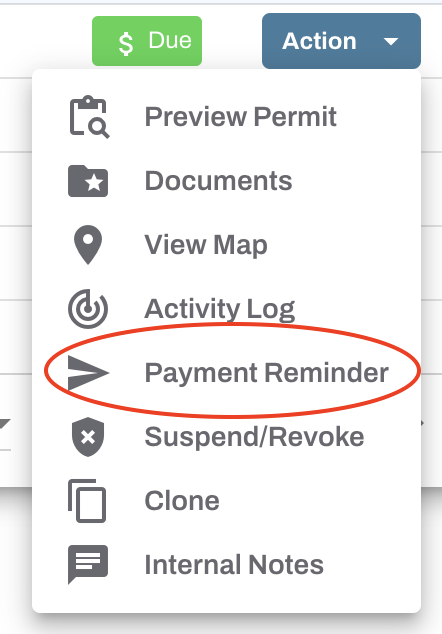
To begin, login to your Oxcart account and locate the outstanding permit. Click on the Action menu, then choose "Payment Reminder" from the dropdown menu.
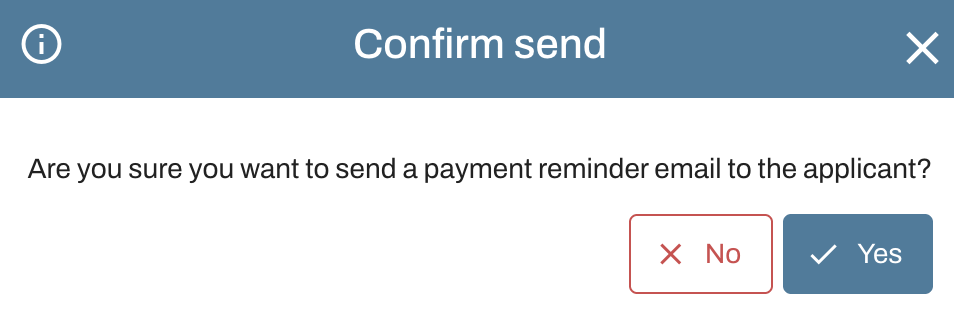
A prompt will appear asking you to confirm if you'd like to send an email to the applicant.
After confirming, the applicant will be sent an email with a payment link for the permit.