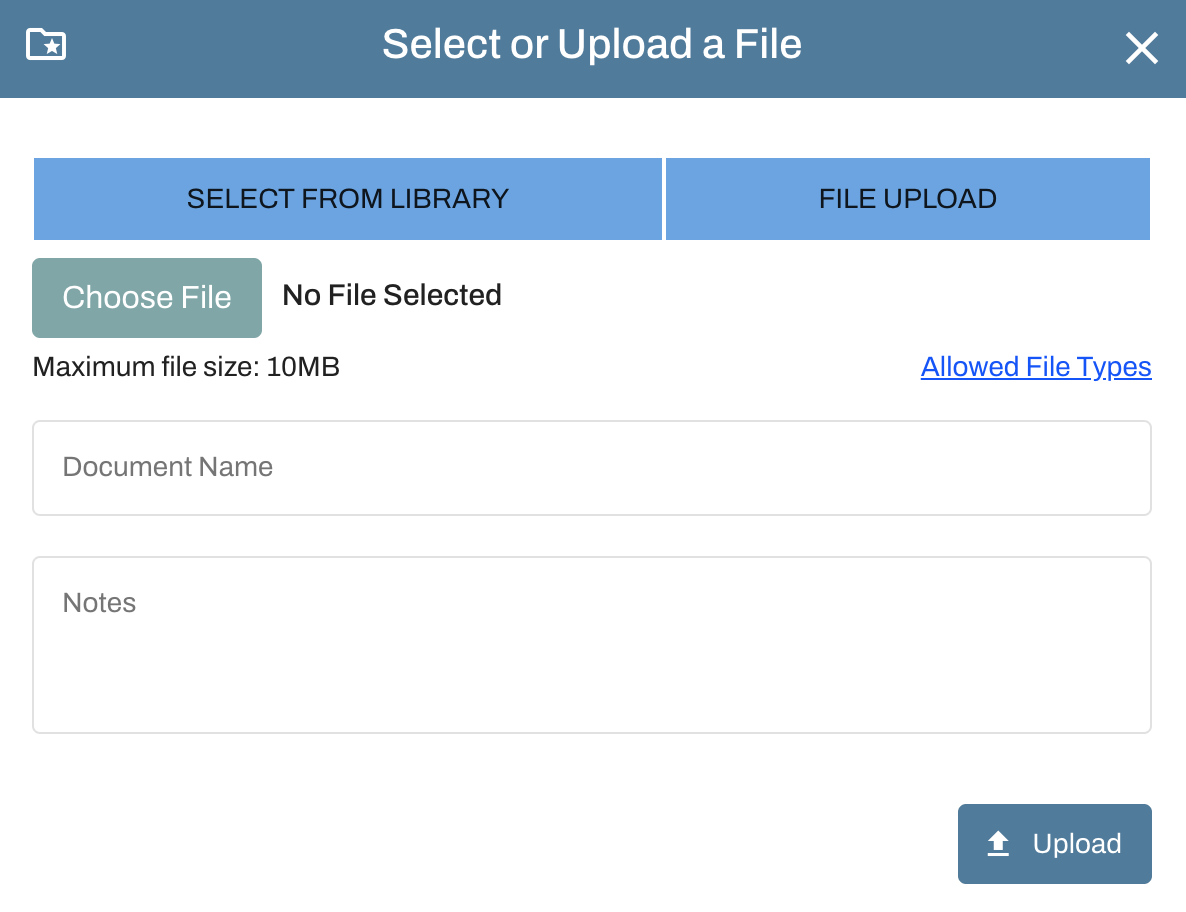
Each municipality has a customized application tailored to its review process, so the upload fields may vary, but regardless, Oxcart allows you to submit as many documents as needed. This can include multiple files such as plans split into separate PDFs or several certificates of insurance.
If the application you’re completing doesn’t include upload fields for all your documents, you can add the extra files directly from your dashboard.
Complete your application, then choose Save or Submit.
Find the application on your dashboard:
Saved applications appear in the Drafts Applications table.
Submitted applications appear in the Pending Applications table.
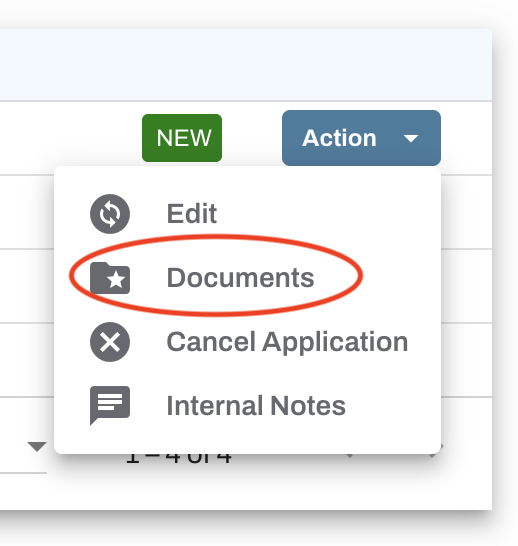
Click the blue Action button next to your application and select Documents.
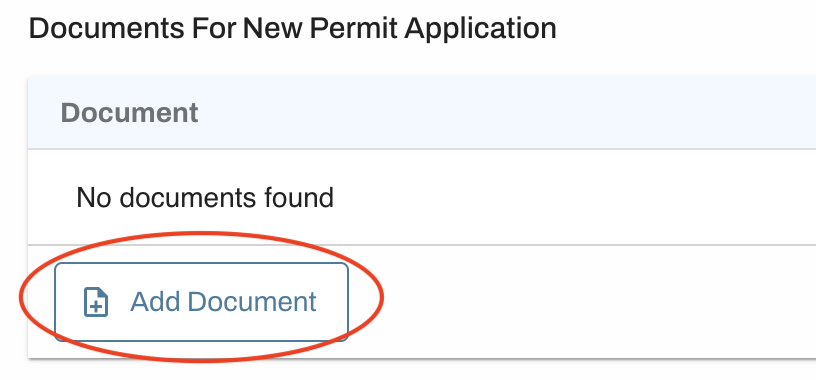
Upload the required documents by clicking Add Document.