

Pending applications may be shared with other municipal account users to alert them that the application is ready for review. To start, open the Action menu and select ‘Notify To Review’.
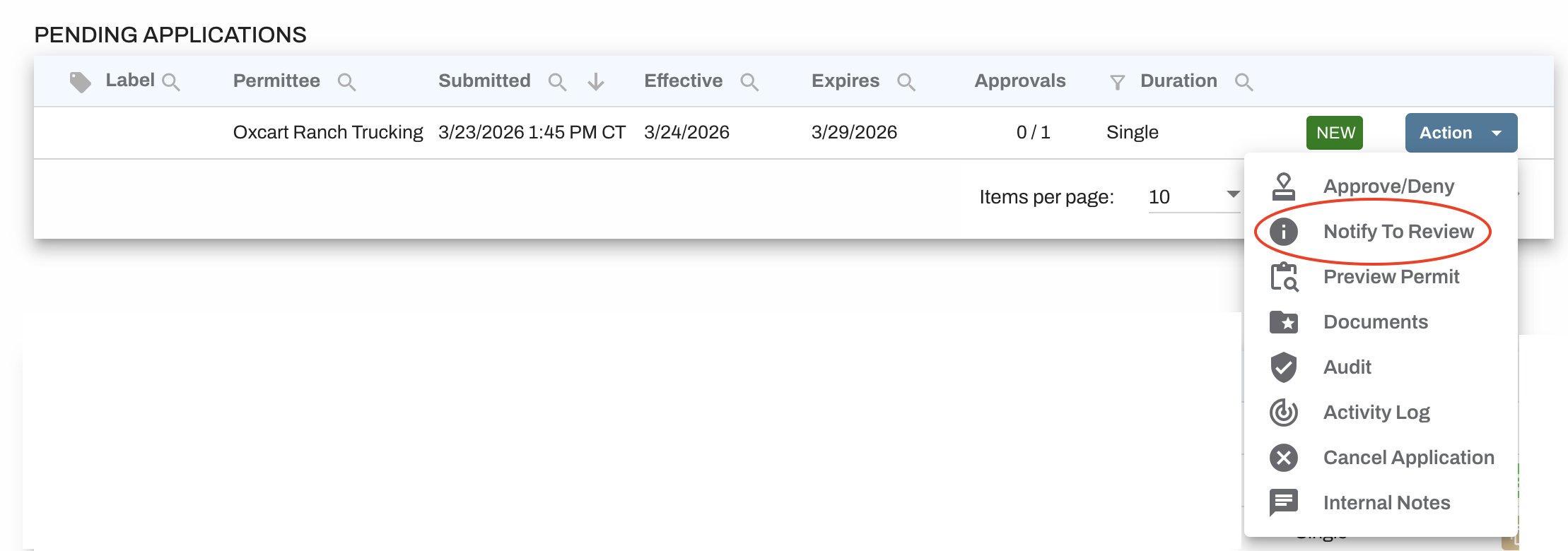
A new screen will appear showing all users on your Oxcart account. Select the checkboxes for any users who should receive a notification. Each selected user will receive an email containing a link to the application.
IMPORTANT INFORMATION:
Notifications to review are recorded in the activity log.
Notifications to review can be sent to any user on the account, regardless of their permission level, however only users with relevant module permissions will be available for selection.
Notifications to review cannot be sent to Linked Municipal Users.
Sending a notification to review email does not change the status of the application or alert the applicant of a status change.