

Oxcart offers you a customizable column on your dashboard. You can select which application fields you want to display in this column, such as Township, Duration, or Type of Permit, making it easier to sort and focus on the information most relevant to your needs. This feature is available across all permit modules though not all application fields will be compatible.
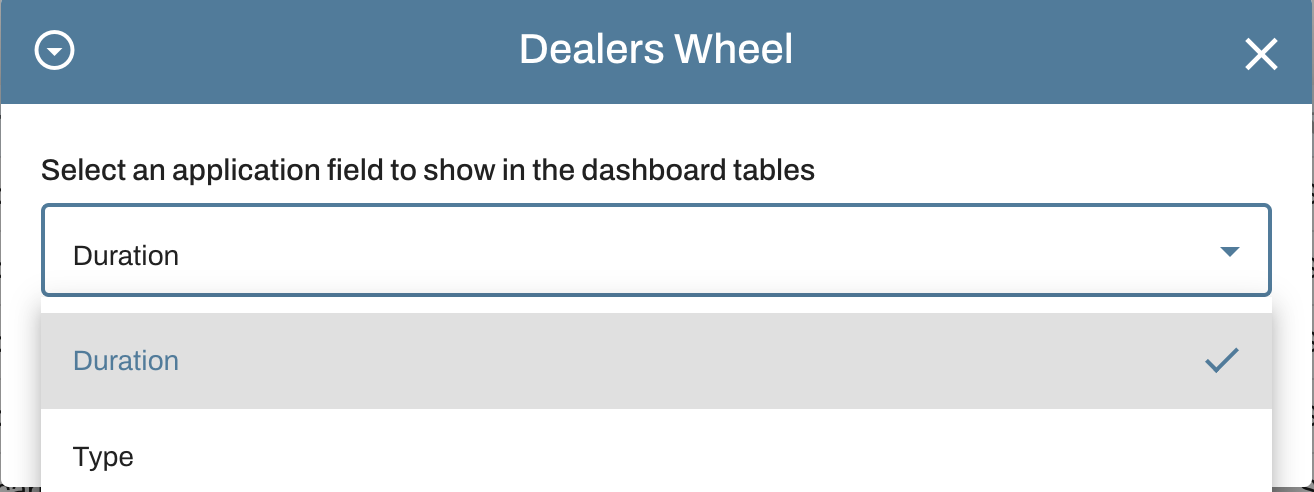
The last column on your dashboard is the customizable column. To choose the field you'd like to view, click the black funnel icon located in the header of the last column. A dropdown menu will appear with the available fields. Choose the field you would like to display and click Submit. You are now able to organize the column according to your needs!

If interested in adding this feature or expanding the fields listed, please reach out to support@oxcartpermits.com to discuss your options.