

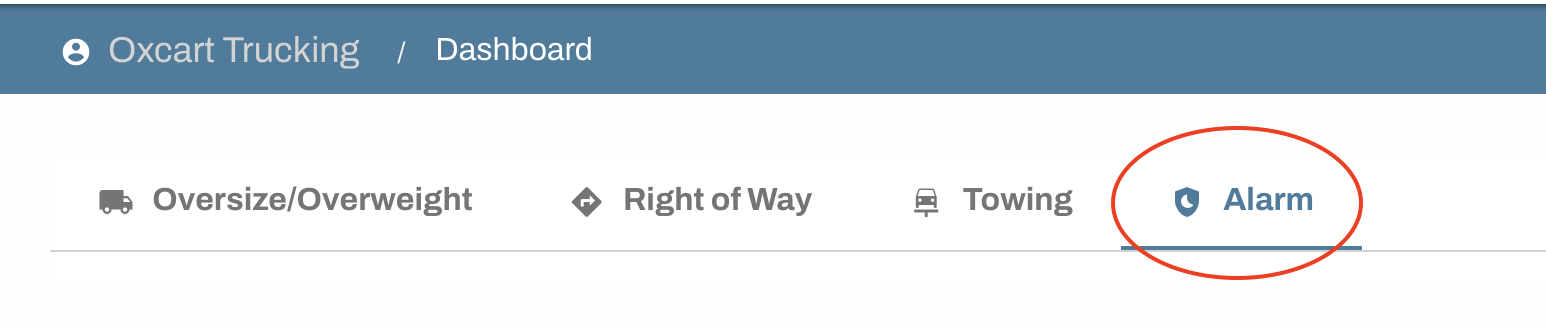
Re-applying for your alarm permit is simple. After logging into your Oxcart account, select the ALARM permit module on your dashboard.
Expiring permits cannot be renewed; a new application must be submitted. You can start a new application with the municipality directly from your dashboard. You also have the option to clone an existing permit which will open a new application pre-filled with the details from your previously approved permit.
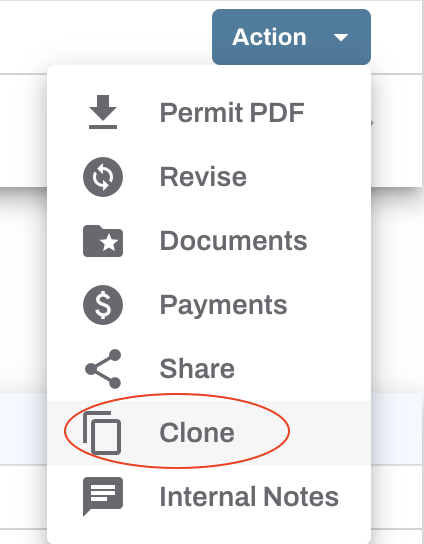
To clone, scroll down to the Approved Permits table to locate the appropriate alarm permit(s), click the Action button, and choose "Clone" from the dropdown menu. This will open a new application pre-populated with your permit information.

Be sure to carefully review all application fields, including dates and alarm keyholder information before submitting. You will then be directed to the payment screen, where you must enter your payment details and agree to the terms and refund policy before you can finalize the submission process.
Your approved permit will be available on your dashboard, use the Action button to download a pdf copy of the permit.