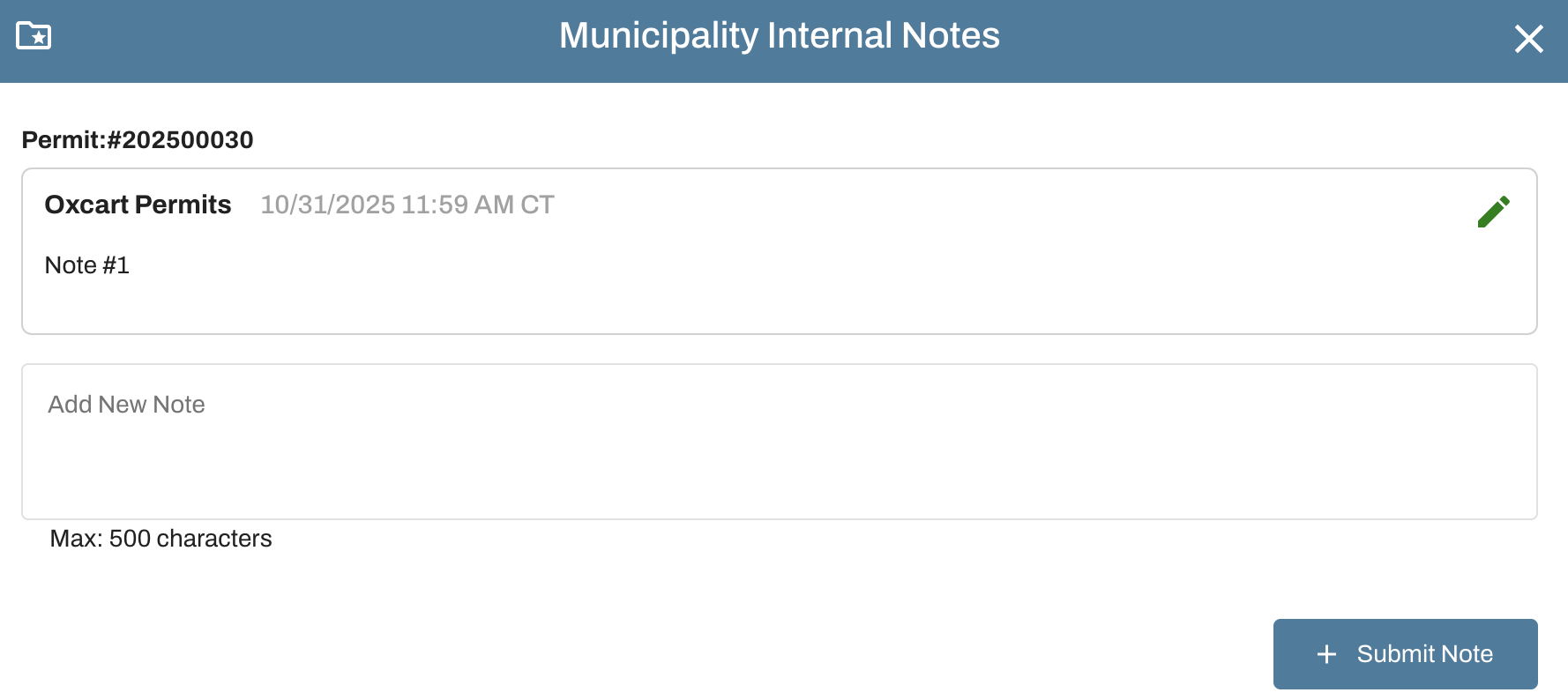
When reviewing a permit application, you have ability to view and add internal notes. Use the Action menu of a pending permit and click Approve/Deny to open the application review page. Scroll to the bottom of the page to add any pertinent information you would like memorialized with the permit. This field is for internal use only; notes do not appear on the permit and are not seen by the applicant.

IMPORTANT INFORMATION ABOUT INTERNAL NOTES:
Notes are visible to all users within the municipal account.
You can add as many notes as needed.
Internal notes can be accessed from the Action menu.
Internal notes can be viewed when searching for permits and/or retrieved from the permits report.
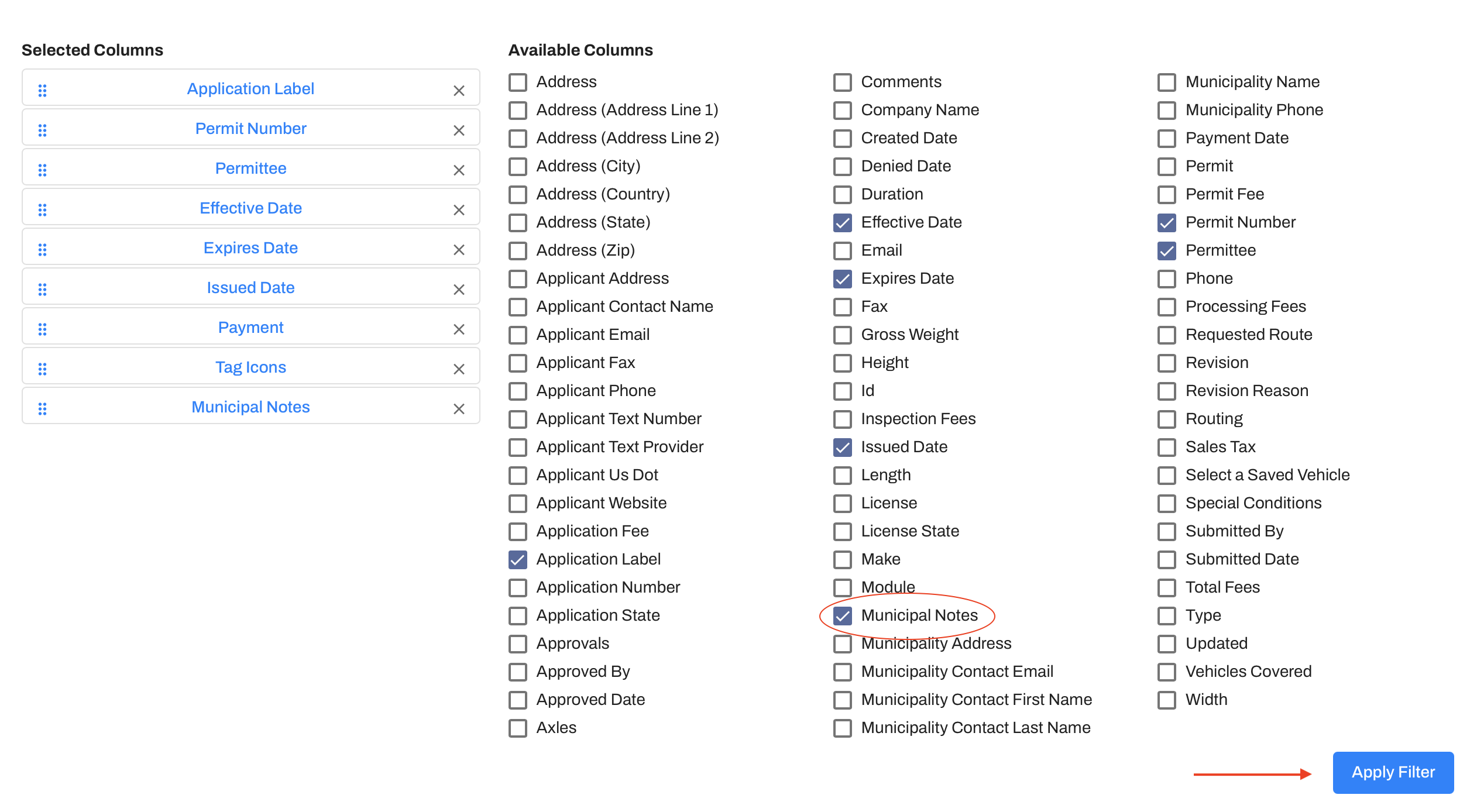
When searching for permits, hover over your municipal name and select Search Applications from the drop down menu. Click the orange Change Filters button, check the box for Municipal Notes, and then click the blue Apply Filter button at the bottom right.
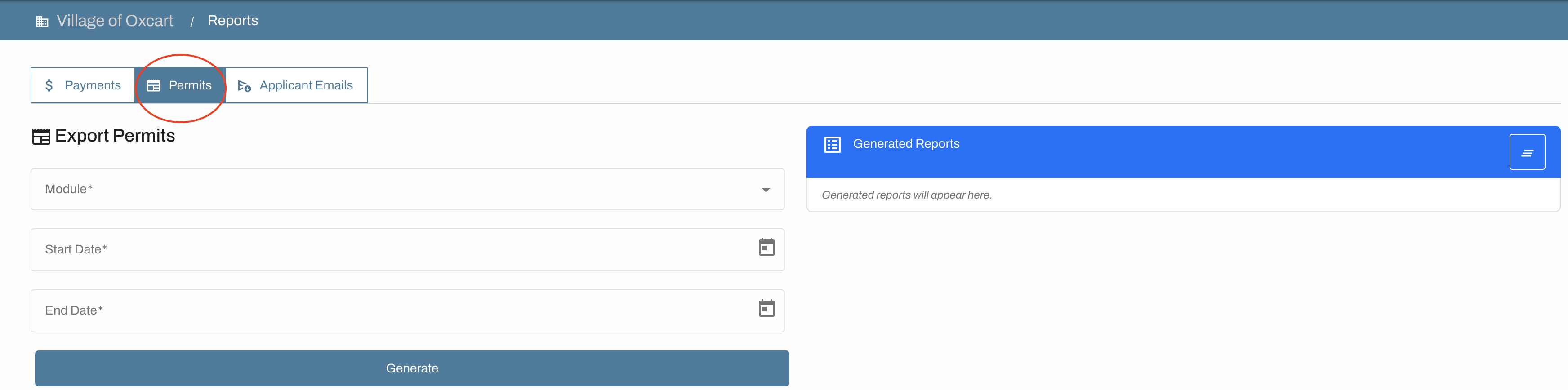
When running the Permits reports, hover over your municipal name and select Reports from the drop down menu. Click on permits and complete the requested fields for module and dates. The generated report will display all application fields, including internal municipal notes.