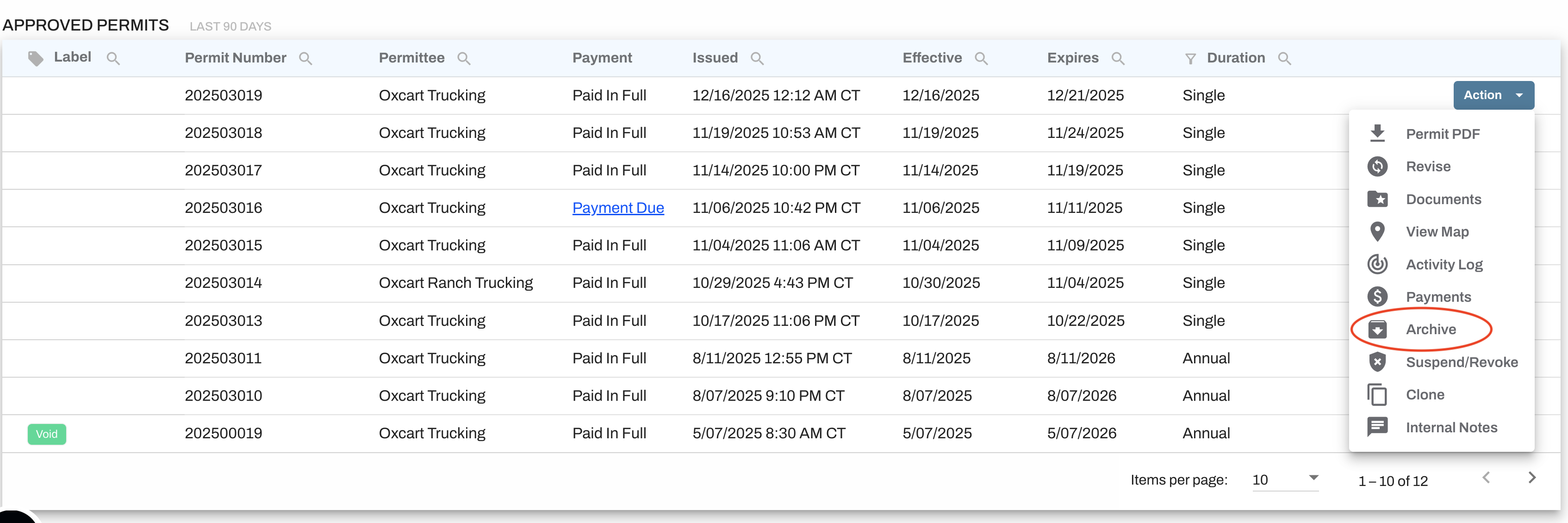
The "Archive" option on the Action menu creates a snapshot in time of a permit and everything associated with it. When you Archive a permit, a zip file will download that contains the permit PDF, the activity log, any documents tied to the permit, and any inspections associated with the permit.
The permit will remain on your dashboard and action can still be taken on the permit. If there is any change to the permit, the permit may be archived again. Archive folders are date and time stamped for reference.