

Oxcart provides in-app notifications to keep you updated on account activities, including new messages, scheduled inspections, completed reports and more. The small bell icon in the corner of your screen indicates new alerts. To view your notifications, simply click the bell icon.
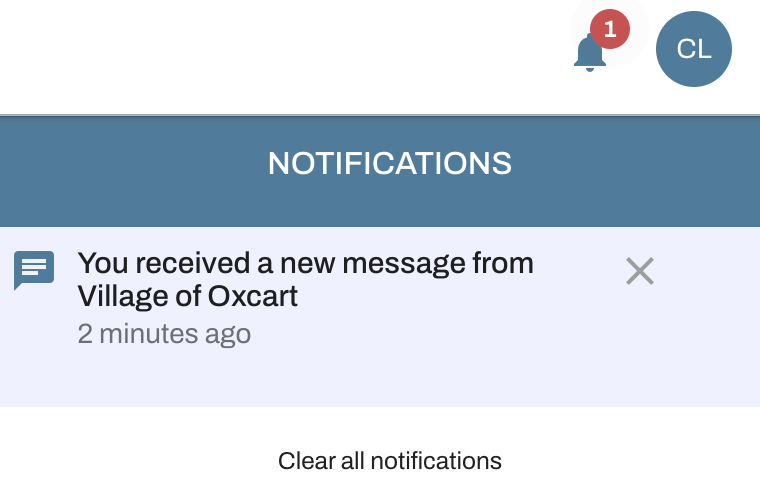
You can remove individual notifications by clicking the "X" next to each one, or clear all notifications at once by selecting "Clear All Notifications."