

We strongly recommend clearing your cache and using a private browsing window within Mozilla Firefox or Google Chrome when logging into Oxcart to ensure optimal functionality. Internet Explorer is not compatible with Oxcart.
You will login at www.oxcartpermits.com and type your user email address and password in the LOGIN box.

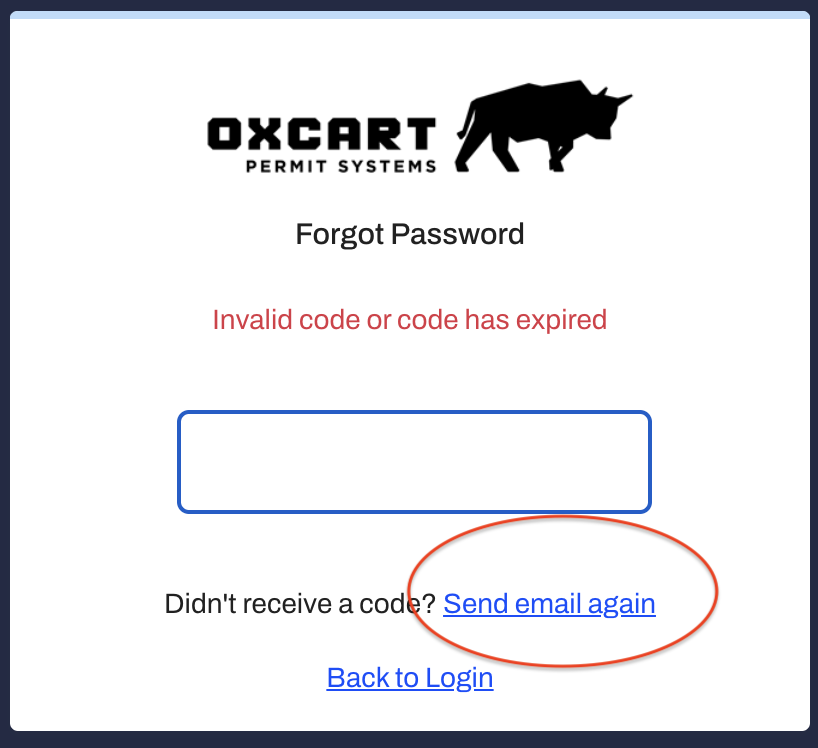
If you forget your password, please click "Forgot Password" to have a link emailed to you to establish a new password. This email will include a time sensitive one time passcode (OTP). Make sure to check spam/junk folders if you do not receive the password reset email. If the OTP expires you may use the link in your email to request another one.
After logging in, you will be brought to the account dashboard. If this is your first time logging in, please be sure to visit the Communications page to set up your notification preferences.
If you have any trouble or need help navigating the website, please contact support@oxcartpermits.com.