

Applicant contact information is readily available through the Reports feature within Oxcart. This feature provides a convenient way to quickly locate and reference contact information without needing to search through individual applications.
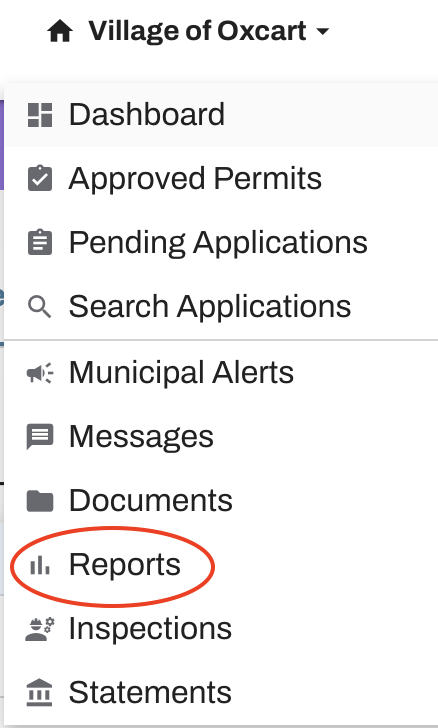
To get started, log in to your Oxcart account, hover over your account name at the top of the screen, and select Reports from the dropdown menu.
Select Applicant Emails.
Choose the individual permit module or all modules active on the account.
Hit Generate.

This report will provide you with the applicant names and email addresses of those who have obtained your permits. You can use this to copy and paste into an email message.
Generated reports are saved until you delete them.