

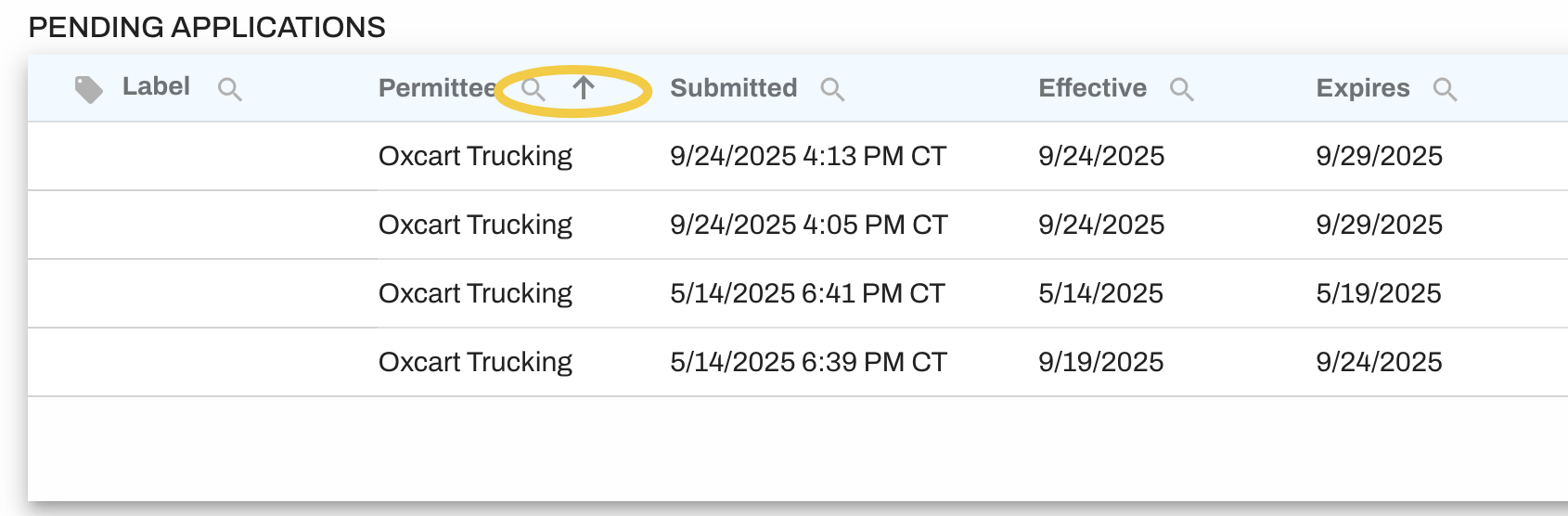
In the Pending, Approved and Denied permit tables of your dashboard, each column may be sorted in ascending or descending order. If you hover over the column name an arrow will appear allowing you to sort. Click on the arrow to sort your table. Click on the arrow again to reorder the sort.
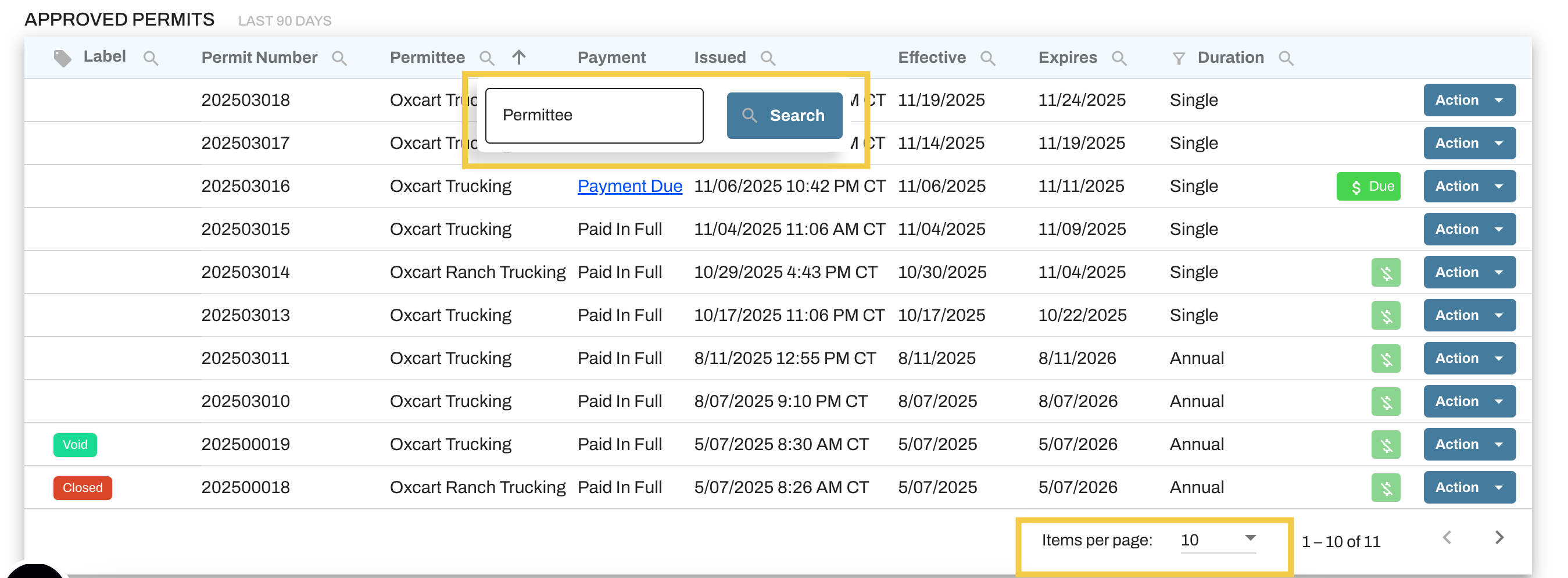
You can also search for a permit using the search box above each table. Choose the column you'd like to search in, select the magnifying glass icon, and then enter your search parameters. To increase the number of permits visible in each section, change the value in the "Items per page" dropdown box at the bottom of each table.
Please note that navigating away from the page will reset the dashboard to its original sort order.