

Oxcart offers two downloadable reports for applicants to generate. Log in to your Oxcart account, hover over your name, and select "Reports" to get started.
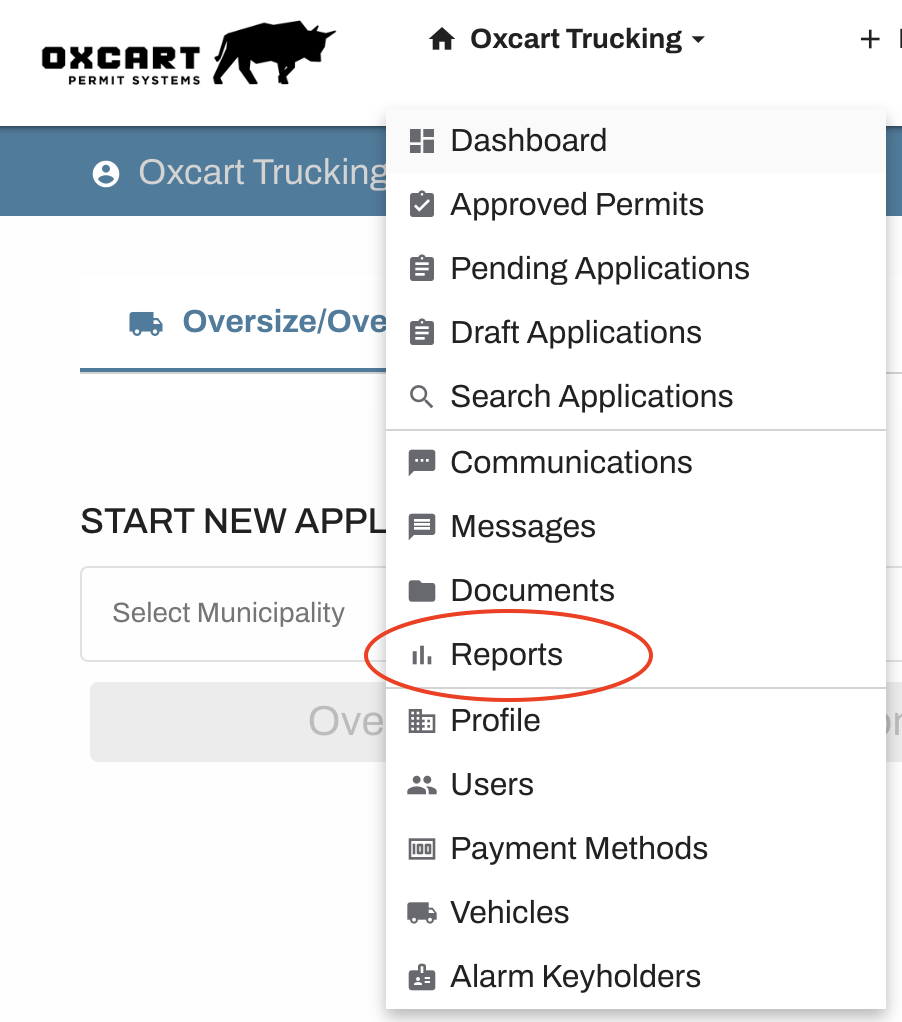
From the Report Center, select Payments or Permits.
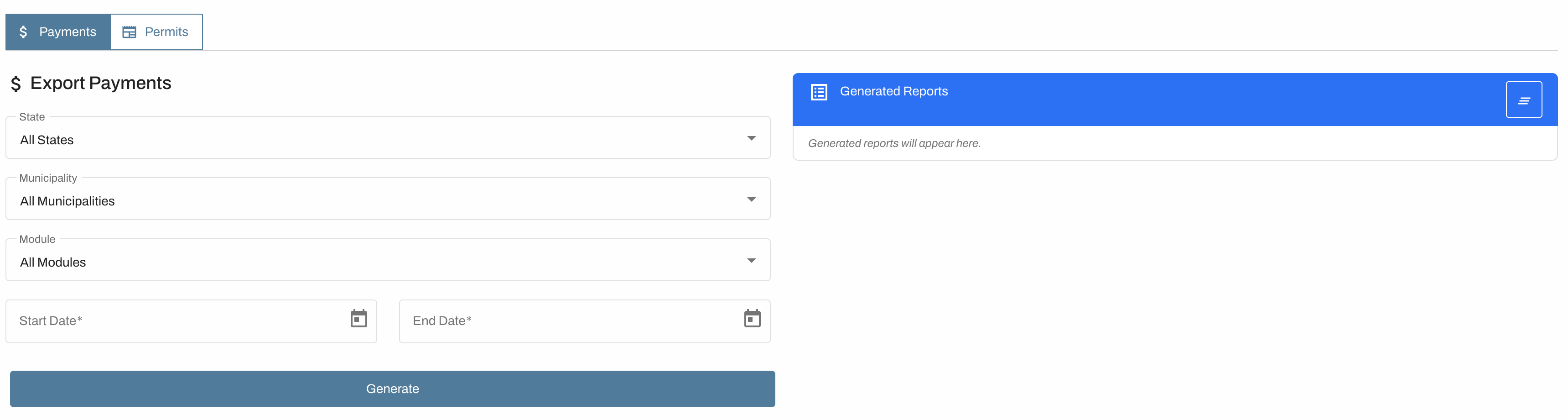
Payments
Download a report that lists the payment date, permit number, municipality, permit module, who submitted the application, who approved it, and all associated fees for permits within your selected date range across all municipalities. Narrow the search results by selecting a specific municipality or permit module.
Permits
Download a spreadsheet of all permits ordered for a specific municipality. The export includes every field from that municipality’s application. To generate the report, choose the municipality and permit module, set the date range, then click Generate. You must select a municipality and permit module for this report.
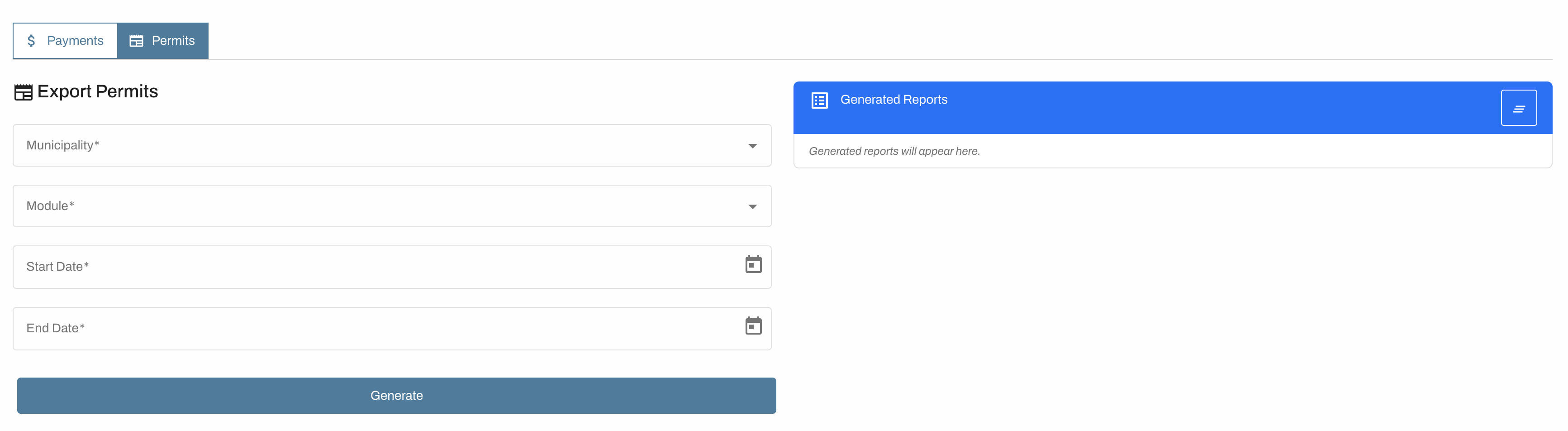
Generated reports are stored on each user’s profile (not the shared account) and remain until the user manually removes them.